A free sculpting app showed up 12 days ago and has already shipped 20 releases. SculptForge is a GPL-3.0 alternative to ZBrush — but the part that belongs in the Lab is this: it generates 3D models with AI, and it turns a Gaussian splat you captured on your phone into a clean, sculptable quad mesh. One app, from capture to carve.
The Story
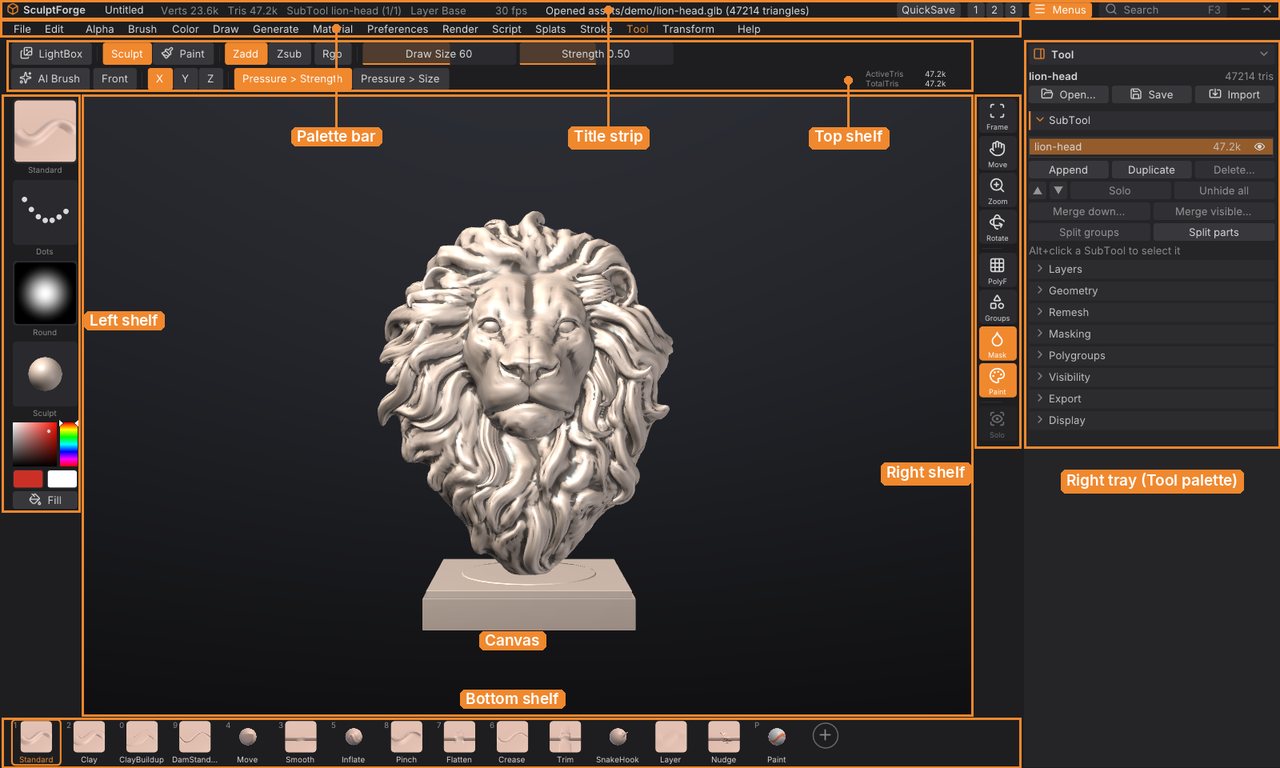
SculptForge (project islandmed/SculptForge) landed its first commit on 21 October 2026. By 2 November it had reached version 0.10.8 and 451 GitHub stars, with a changelog that reads like a sprint: subdivision levels, dynamic topology (a Sculptris Pro clone), QRemesh retopology, UV painting, micro levels for hundreds of millions of polygons, and ZBrush’s own keymap on by default. It runs on Windows, macOS and Linux, and it is free — the project states nothing in the app is ever paywalled, with optional memberships from $5/month.
That alone would be a nice open-source story. What makes it a Lab story is that AI generation is wired in from version 0.1.0, not bolted on.
What the AI actually does
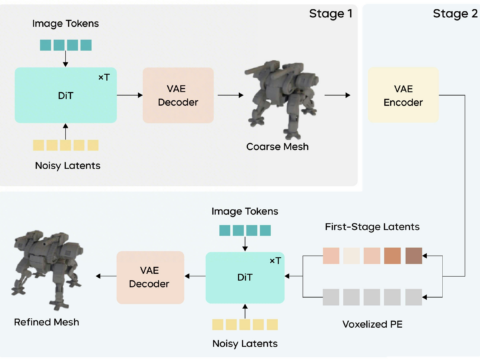
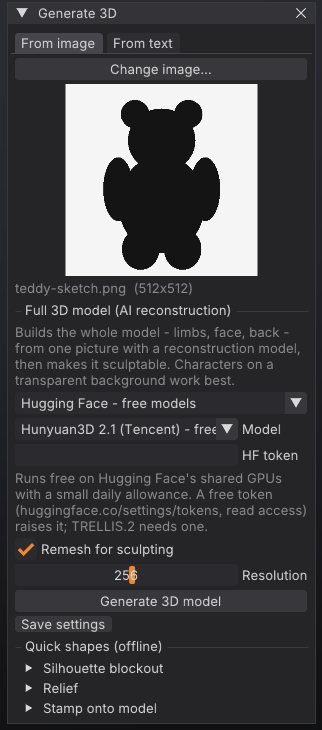
Image- and text-to-3D. SculptForge’s Generate 3D can call Hunyuan3D, TRELLIS.2 and Stable Fast 3D — free through Hugging Face Spaces, paid through fal.ai or Meshy, or on your own machine. The release notes describe a ComfyUI path with ready-made Hunyuan3D 2.1 image-to-3D and FLUX + Hunyuan3D text-to-3D workflows, plus a ComfyUI node pack so the two tools talk both ways. Whatever generator you use, the result is remeshed so you can keep sculpting it.
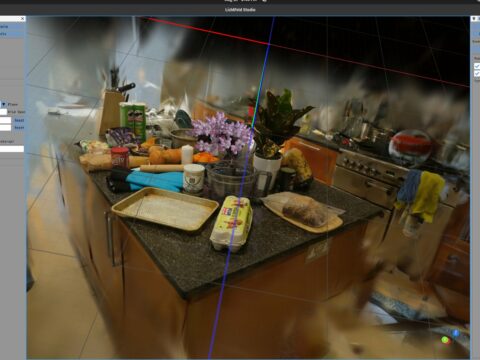
Phone splat to sculptable mesh. This is the headline. You scan a QR code and your phone’s browser becomes SculptForge’s camera — no app, no account. Send a video or a photo burst and it trains a Gaussian splat (camera poses from COLMAP, frames pulled with ffmpeg, keeping the sharpest of each). Then From scan > Make sculptable turns that splat into a watertight, manifold surface — built from opacity-weighted Gaussian density on a voxel grid — and retopologises it to clean quads at a Game (4,000), Film (12,000) or Sculpt budget. The splat’s colours come across as polypaint or an auto-UV texture. You can also import a .ply straight from Scaniverse, Polycam or Luma.
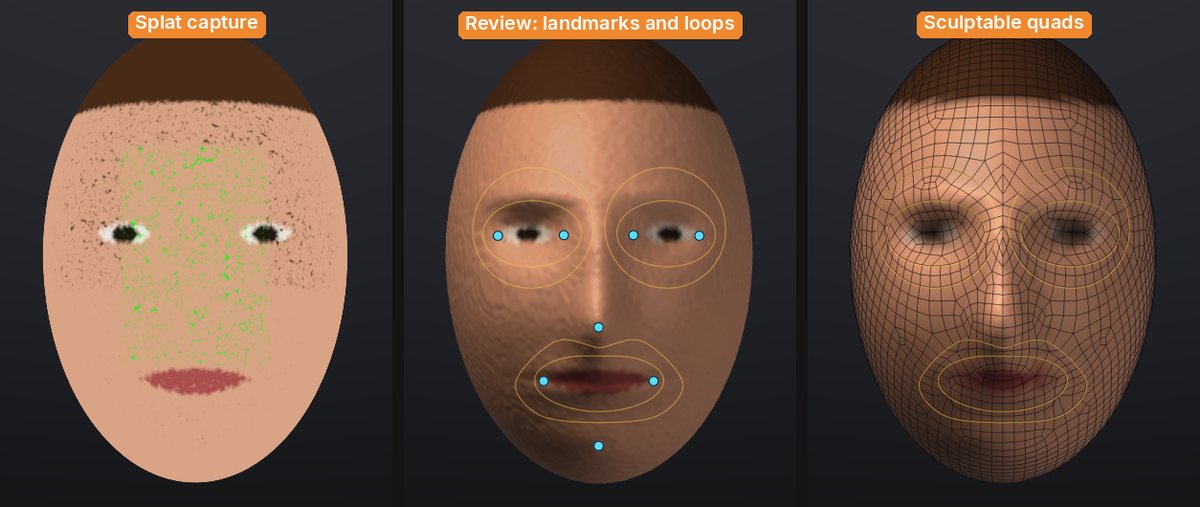
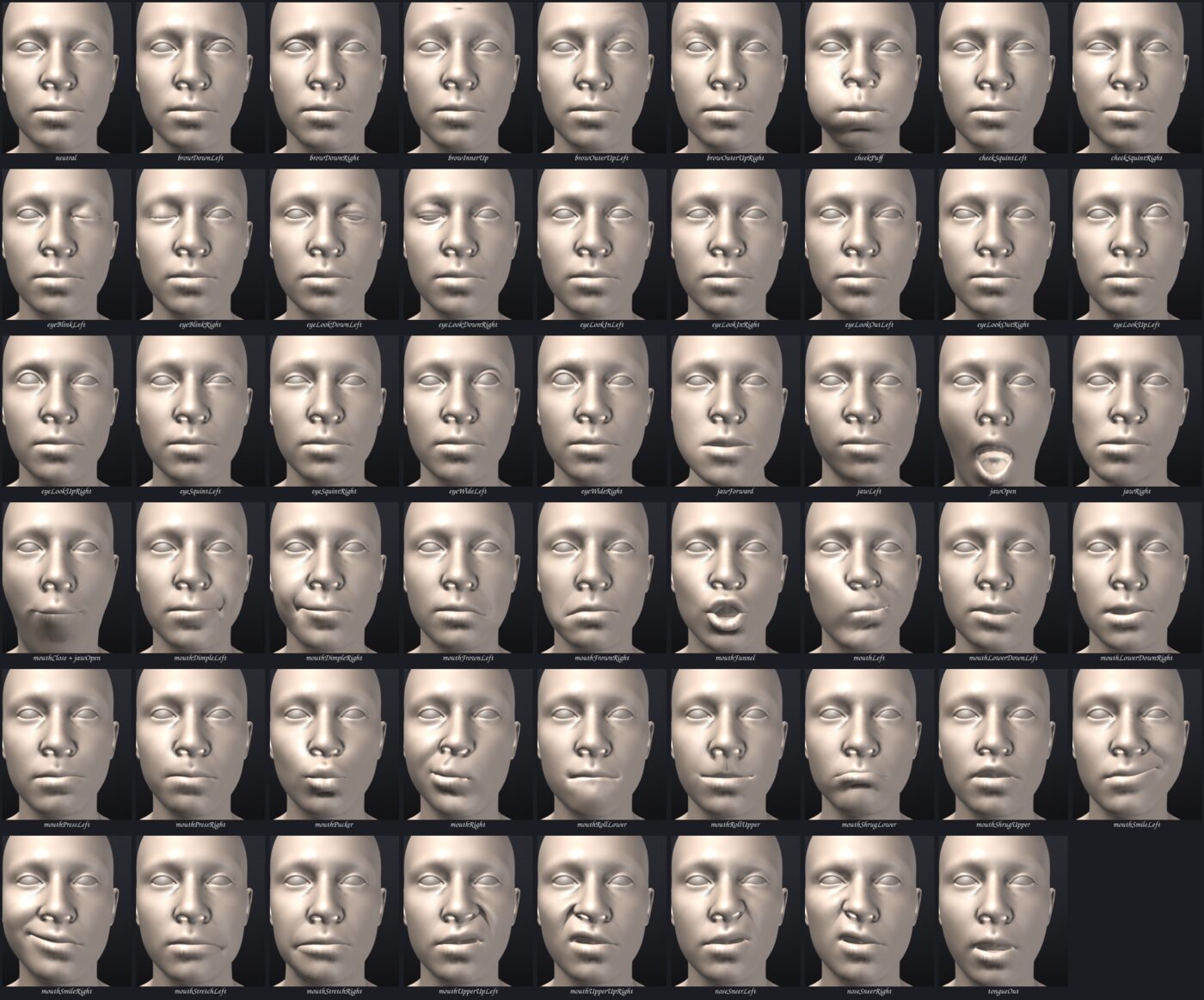
There is more on the face side: a Face loops step finds eyes, nose, mouth and chin on a scanned head using depth and colour — the notes are explicit that this uses no ML model and no download — and lays retopology guides around them. The 0.9.0 notes frame the whole thing as “scan with your phone, make the scan sculptable, give a head its facial shapes and drive them with your own face.” We have not tested the face-driving part, so treat that last claim as the project’s, not ours.
And, like a growing list of tools the Lab tracks, SculptForge is agent-drivable: nearly every command is exposed to a console, a CLI, a Python API and MCP. An AI assistant for building brush recipes can run on Anthropic, any OpenAI-compatible endpoint, or a local model through Ollama or LM Studio.
Why You Should Care
The gap between AI 3D and real production has always been topology. A generated model or a splat looks great until you try to edit, rig or bake it — then you meet a triangle soup no artist wants to touch. SculptForge closes that loop inside one free app: generate or capture, get clean quads, sculpt, paint, make LODs, send to Unreal, Blender or Maya, export OpenUSD with blend shapes. For a 3D artist, that is the whole point — the AI gives you a starting block, and you still own the carving.
Try It / Follow Them
- Downloads and source: github.com/islandmed/SculptForge/releases (Windows, macOS 11+, Linux). Builds are not code-signed yet, so on macOS right-click > Open the first time.
- Project site: islandmed.github.io/SculptForge
- Generate-3D and ComfyUI setup: the repo’s
docs/comfyui.md.
IK3D Lab Take
This is the most exciting open-source thing we have seen all week, with one honest caveat: it is a 0.10 solo-dev project moving at a frankly alarming pace — 20 releases in 12 days, builds not yet signed. Do not put it on a deadline-critical shot yet. But the design bet is exactly right. Everyone else is racing to make the AI output prettier; SculptForge is the rare tool that assumes the AI output is a draft and hands it to an artist with real ZBrush-grade tools. If you capture scenes with Scaniverse or Polycam, or you have been staring at Hunyuan3D meshes wishing you could just clean them up and carve, install it this weekend. We will test the splat-to-mesh pipeline on a real phone capture and report back — especially whether the quads hold up for animation, which is the claim that matters most and the one we have not verified.
How this article was made: researched and drafted with AI assistance, then fact-checked against the original sources and reviewed by Issa before publication.