The Hook
For two years, Krea was the tab you opened to riff on top of somebody else’s model — a real-time canvas wrapped around FLUX and Stable Diffusion. On May 12, 2026, the studio stopped borrowing engines and shipped its own. Krea 2 is the company’s first foundation image model built entirely from scratch, and it was engineered around a single heresy: that the clean, glossy “AI look” every other lab optimizes for is the problem, not the goal.
The Story
Krea earned its place in the creative-tech crowd by being the friendly front-end nobody felt locked into. Real-time generation, the infinite “enhance” canvas, a dozen models behind one interface — it was a playground, not a lab. Building a foundation model from zero is a completely different sport: your own data pipeline, your own training runs, your own compute bill. The fact that an interface company decided to go do that is the real news here.
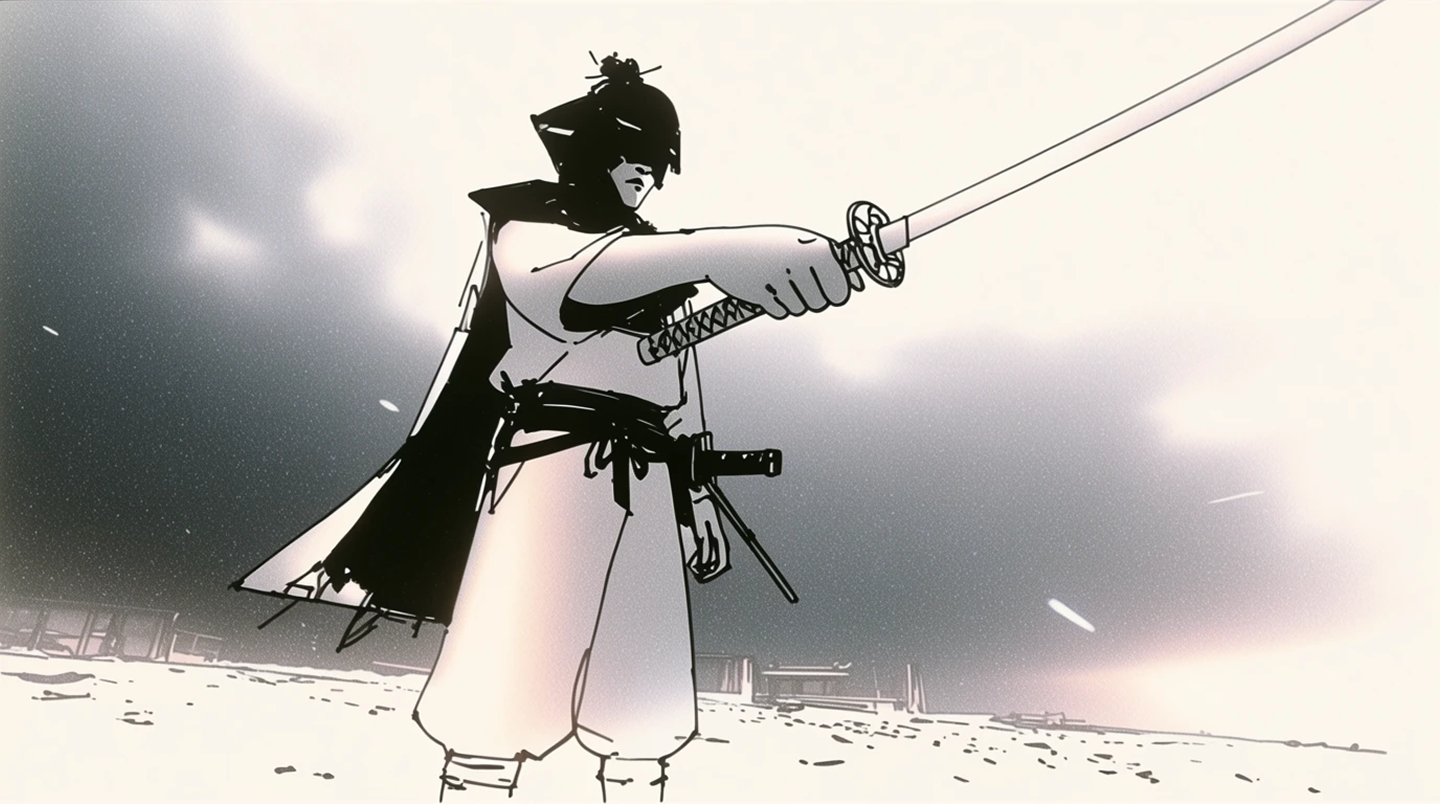
And they didn’t do it to win a benchmark. They did it to chase the one thing the frontier models keep flattening out: aesthetic range. Most flagship image models converge on the same over-lit, slightly plastic default — technically flawless, emotionally dead. Krea trained 2 to go the other way, deliberately toward the messy end of the spectrum: film grain, motion blur, low dynamic range, expressive illustration, ugly-on-purpose when you want it. Their words for the goal were “raw, flexible, unopinionated, and unconstrained.”
It ships in two flavors. Krea 2 Medium is the smaller, faster, more stable model — heavily post-trained, rock-solid for illustration, anime, and painting. Krea 2 Large is more than twice the size with a lighter post-training touch, which makes it rawer and more textured: it’s the one that nails photoreal grain, blur, and grit that Medium smooths away.
Why You Should Care
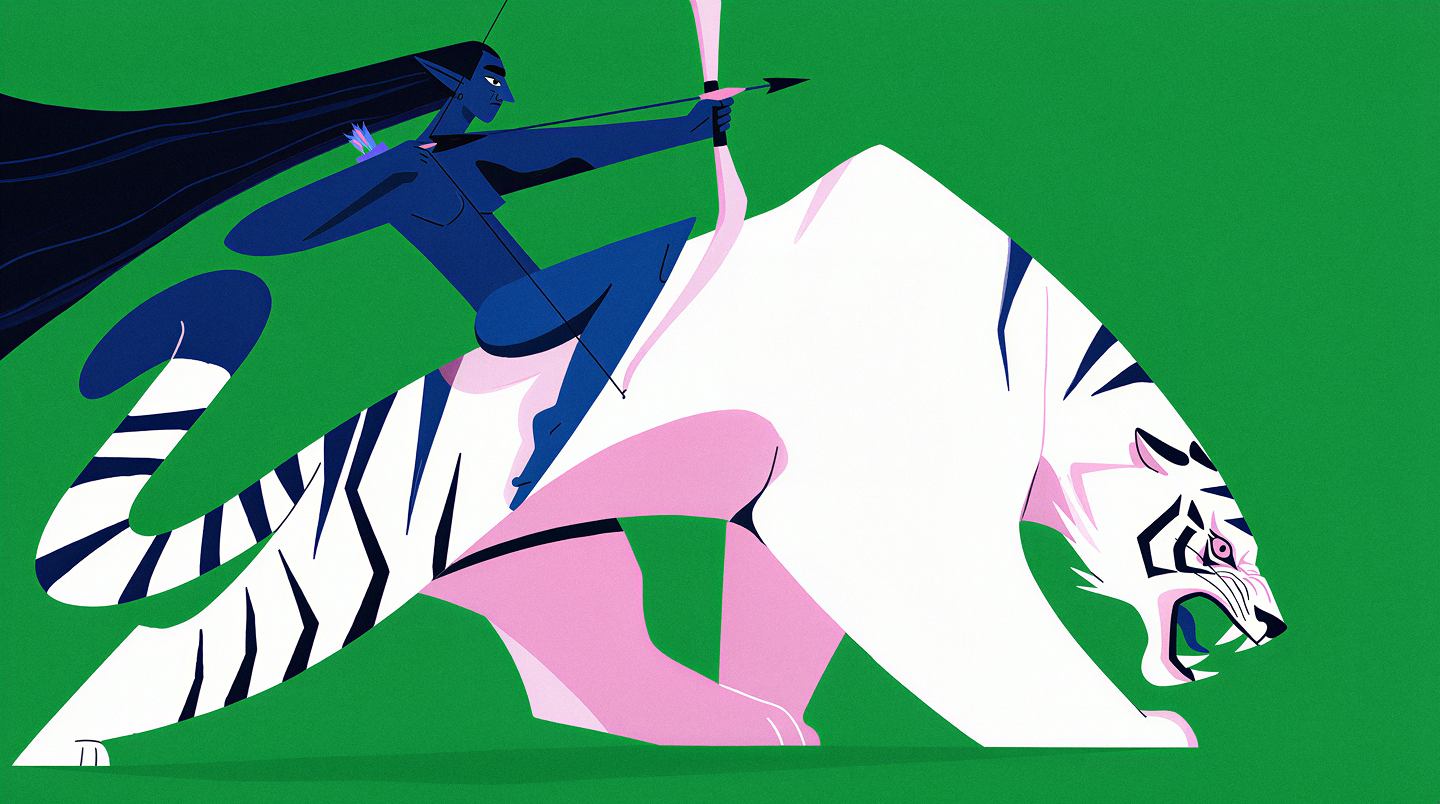
Two features make this more than “another text-to-image model.” First, Krea 2 ships what is arguably the strongest style-transfer system in production right now: drop in one reference image — or stack several — and the model extracts the look and applies it to your prompt, with a strength dial for each reference. For anyone making concept art, comic panels, or a coherent mood across a 3D project, controllable style transfer is the whole ballgame. It turns the model from a prompt box into an art-direction engine.
Second, Creativity is an actual parameter — Raw, Low, Medium, High. Hand it a terse prompt at Raw and it stays literal, which is exactly what you want when you’re matching a brief or feeding clean concepts into a 3D or texture pipeline. Push it to High and the model invents the parts you left blank: composition, camera angle, color palette, lighting. That single slider covers the gap between “execute my idea” and “surprise me,” and you rarely get both done well in one model.
It also slots into the stack you already run. Krea 2 went live day-0 on the fal API and shipped as a native ComfyUI partner node the same week, complete with a Moodboards feature where reference sets become reusable IDs — reproducible art direction across an entire project, wired into the same node graphs you use for ControlNet, depth, or splat capture.
The honest caveat: Krea 2 is proprietary and cloud-based — API and credits, not open weights like FLUX.2. If your pipeline is local-first and offline, that’s a genuine trade-off. But if you already live in Krea, ComfyUI, or fal, it’s sitting there waiting today.
Try It / Follow Them
Easiest entry point: generate straight from the web at krea.ai/image/k2. Builders can hit it through the fal API, or update ComfyUI and grab the Krea 2 partner node from the Templates panel. Read the full breakdown in the official Krea 2 announcement and follow the Krea release notes for what lands next.
Maker tip: start by dropping two or three reference images into the style panel and run Creativity at Raw for a tight match to your look — then crank the same prompt up to High and watch the model reinterpret it. The delta between those two runs is the fastest way to understand what Krea 2 is actually for.
IK3D Lab Take
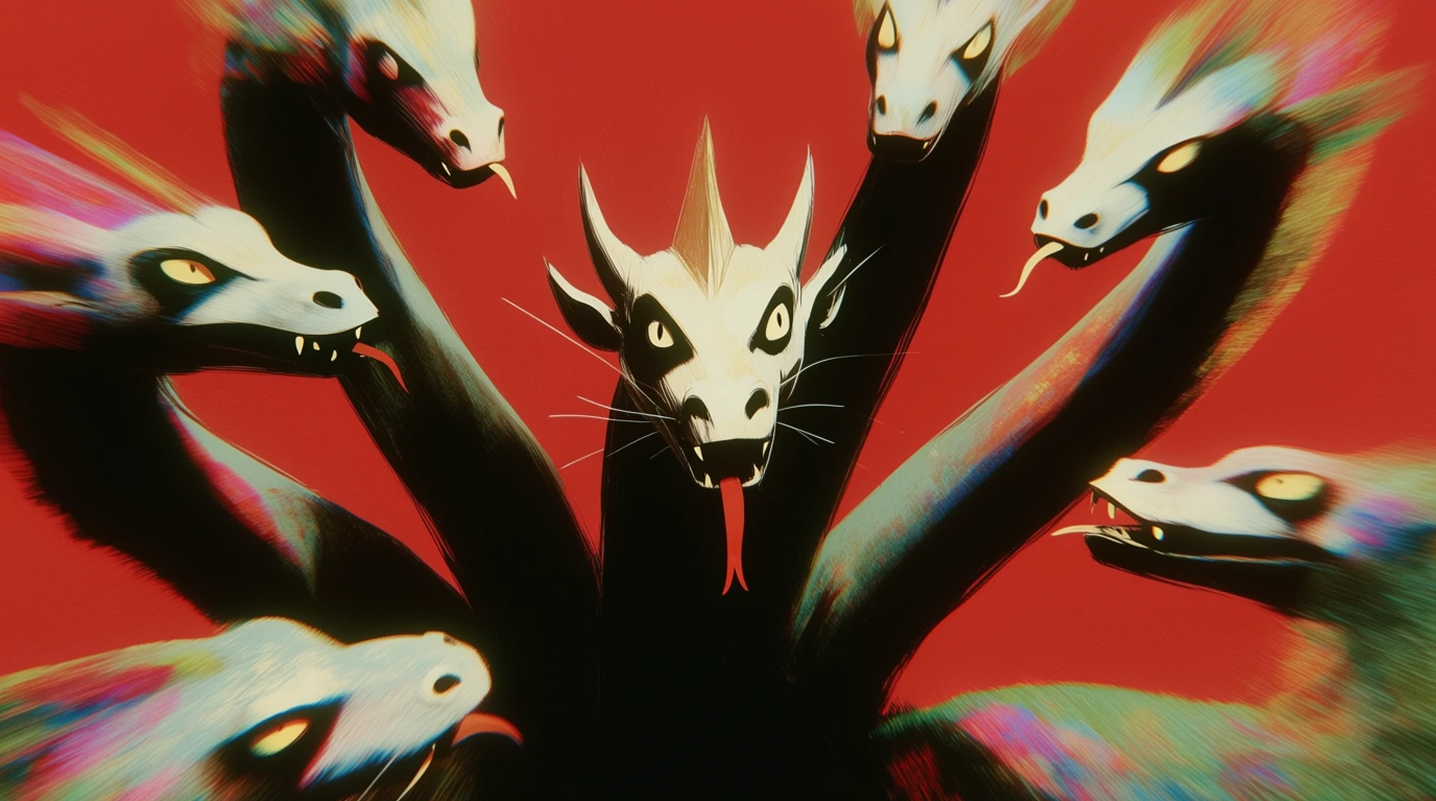
The interesting part was never “a new image model.” It’s that an interface company looked at the frontier, decided the bottleneck was the model’s taste rather than its resolution, and built a model whose competitive edge is a willingness to look unfinished. In a year where every lab is sprinting toward flawless photoreal, Krea shipped a model that wants grain. That’s a creative-tools bet, not a leaderboard bet — and it’s exactly the kind of thing this Lab roots for. Give it an afternoon: feed it your references, abuse the Creativity dial, and see whether “raw and unopinionated” actually survives contact with your work.