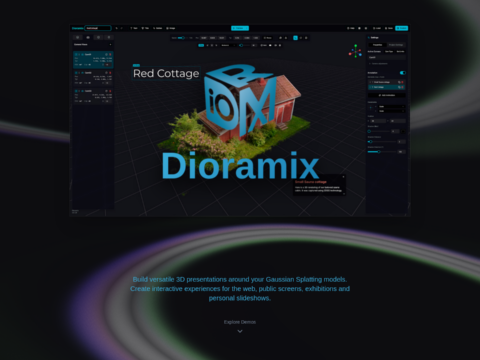
Texturing a 3D model with AI used to mean leaving Blender, wrestling a ComfyUI graph, and praying the projection lined up. StableGen 0.4.0 collapses that whole loop into a Blender panel — and this time it does not just paint your mesh, it builds the skeleton too. Released October 28, 2026, the free, open-source add-on now textures, edits, PBR-maps and auto-rigs a character without you ever opening a node editor.
The Story
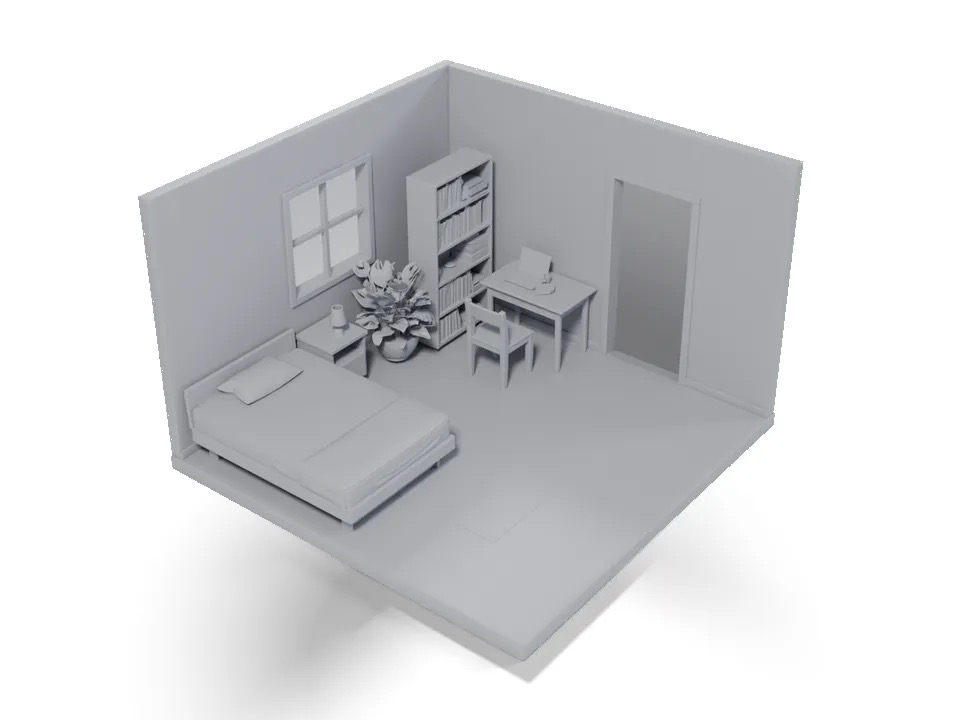
We first covered StableGen back in June, when it folded TRELLIS.2, FLUX and Qwen into the Blender viewport. The idea has not changed: Blender owns your geometry, cameras and materials; a ComfyUI server (local or on your network) does the diffusion inference. StableGen renders guidance images from the cameras in your scene, sends them to ComfyUI, and projects the generated result back onto the mesh. It is a Blender add-on talking to ComfyUI — not a ComfyUI custom node.
Version 0.4.0, from developer sakalond, is the biggest drop yet. The cramped sidebar is gone, replaced by a tabbed panel — Texture, Cameras, Blending, Tools, and a Mesh tab for TRELLIS.2 — with a Ctrl+K search that filters every setting. Under the hood, the projection pipeline was rebuilt for cleaner seams, and a new Depth/Part Projection Guard stops a view’s foreground colors from bleeding onto surfaces behind it. The numbers back it up: on a six-view SDXL scene, non-inference work dropped from 27.1 to 13.6 seconds, and the worst UI freeze fell from 4.4 seconds to 0.8.
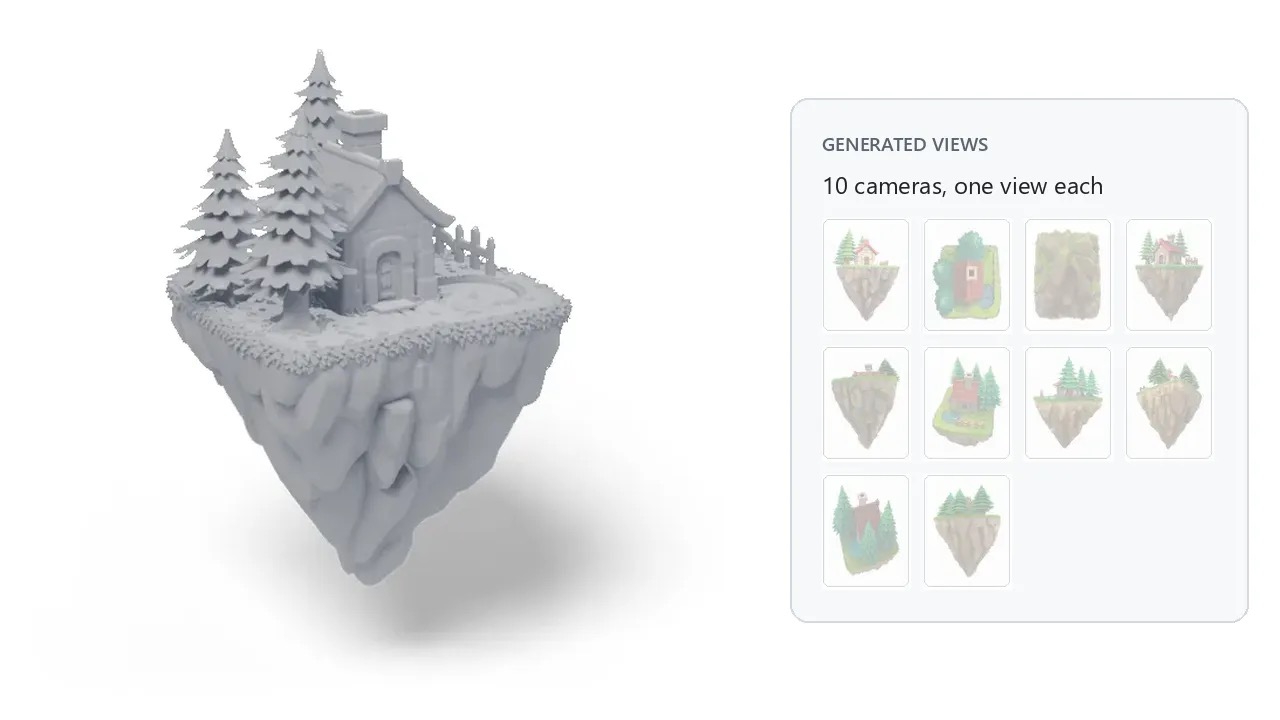
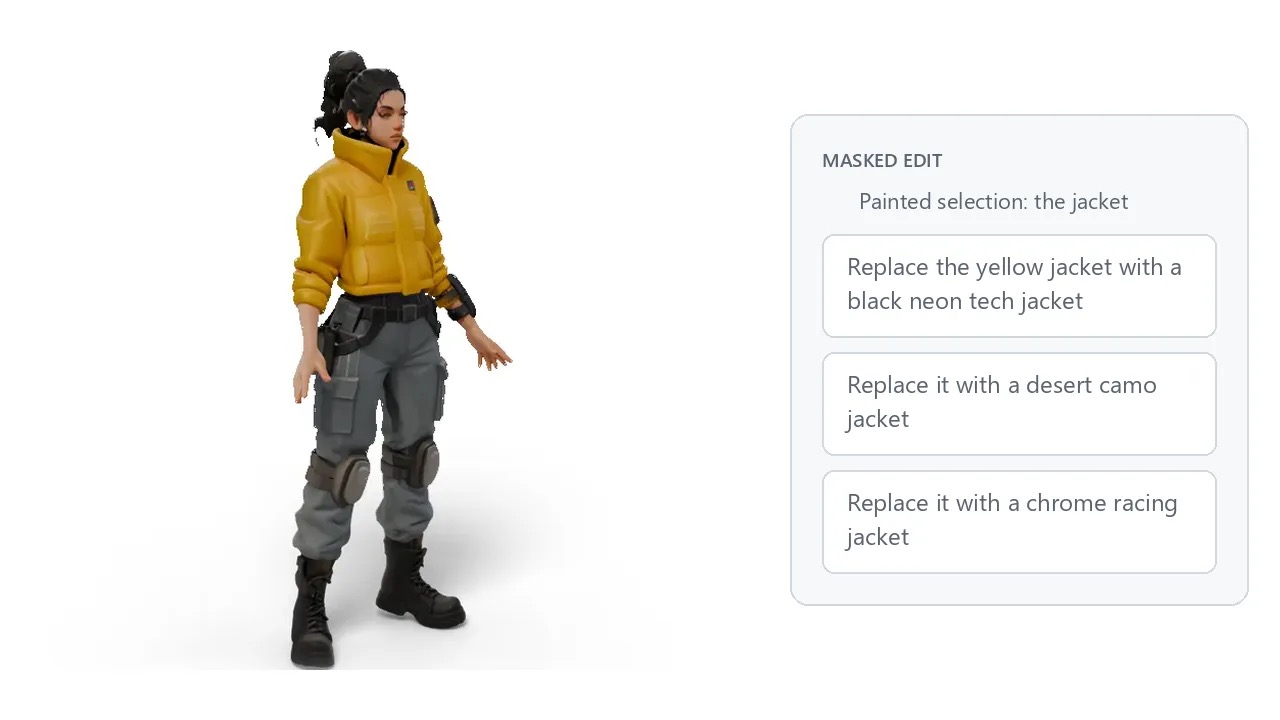
Two new features steal the show. The first is Masked Edit: paint a region on your model, describe the change, and StableGen regenerates only that area — across every camera that sees it — while leaving the rest of the texture untouched. Edits stay as a preview until you apply or discard them, and the PBR maps update along with the color.
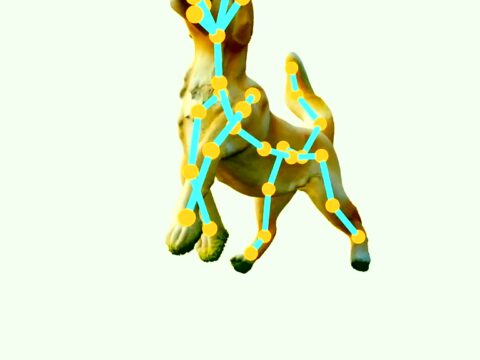
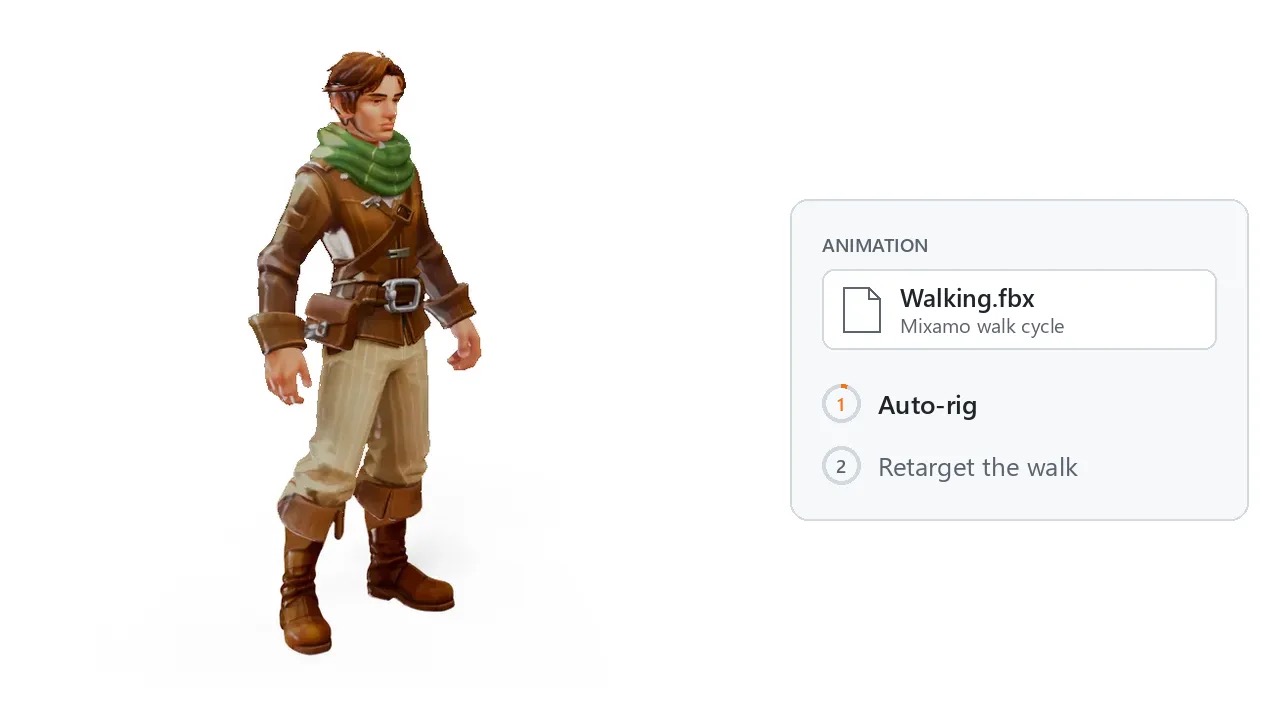
The second is the headline for us. StableGen 0.4.0 can auto-rig a character. The “Auto-rig selected character” button adds a skeleton and skin weights using SkinTokens on the ComfyUI server — the same “rigging as a language” research the Lab wrote about in July, now shipping inside a usable tool. You can run it as part of a TRELLIS.2 generation or on any mesh you select, then retarget FBX or BVH animations — Mixamo clips included — straight onto the rig. The generate-a-model-then-animate-it gap just got a lot shorter.
Why You Should Care
Model support moved forward too. Qwen Image 2.1 arrives with native 2K output — about 4 megapixels per view — and generates RGBA views so transparent pixels are excluded from projection. Three experimental architectures join it: Qwen Image 2.1 Turbo (8 steps), MOSS Image (which uses its own depth-control adapter instead of ControlNet), and FIBO 2.0 Edit. Older FLUX.1 and FLUX.2 Klein paths are deprecated and hidden by default. Marigold V2 now handles albedo and normals up to 2048 px.
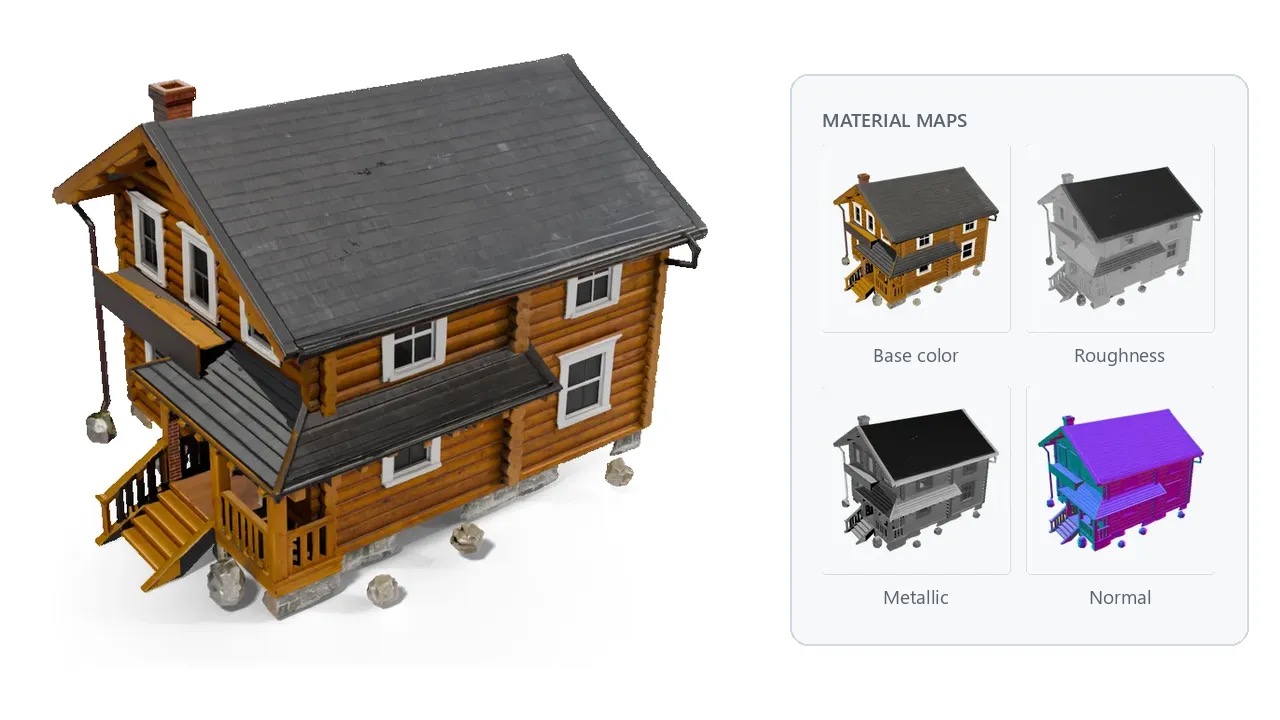
The practical story is consolidation. One free add-on now covers texturing, region editing, PBR, rigging, batch jobs (CSV-driven for DAE and GLB), FBX export tuned for engines like Unreal, and even 3D-printing touches like dithering and textured OBJ export. That is a pipeline that used to span three or four separate tools, living inside the viewport you already know.
Try It / Follow Them
- Repo & releases: github.com/sakalond/StableGen — GPL-3.0, free.
- Blender: 4.2–4.5, plus 5.1 and later (tested to 5.2). Note: Blender 5.0 is not supported.
- Install: grab the ZIP for your platform (windows-x64, linux-x64 or macos-arm64), roughly 65–90 MB each. A 15-page project wiki covers setup, Masked Edit, rigging and export.
- You will need: a running ComfyUI server with a capable GPU — StableGen does the orchestration, ComfyUI does the inference.
IK3D Lab Take
This is the release where StableGen stops being “AI texturing for Blender” and starts being an AI asset pipeline. The SkinTokens integration is the piece we have been waiting for: generating a mesh has been solved for a while, but handing it a skeleton you can actually animate is the step most tools skip. Seeing the July research arrive as a one-click button is exactly the kind of crossover this Lab lives for.
Two honest caveats. First, we have not run 0.4.0 locally for this write-up — the facts here come from the GitHub release and project wiki, not a hands-on test, and the auto-rig quality on a messy generated mesh is the thing we would stress-test first. Second, watch the model licenses: StableGen itself is GPL-3.0, but Qwen Image 2.1 ships under a non-commercial research license, and FIBO 2.0 Edit is CC BY-NC 4.0. For client work, MOSS Image (Apache-2.0) is the safer path. If you already run ComfyUI and live in Blender, this is a free download that genuinely replaces a stack of paid tools — just do not ship a commercial render textured by a non-commercial model.
How this article was made: researched and drafted with AI assistance, then fact-checked against the original sources and reviewed by Issa before publication.