There is a quiet little dream that every Blender artist has had at least once: type a sentence, get a finished, textured 3D asset sitting in your viewport — no browser tab, no upload, no export-import dance. A free, open-source add-on called StableGen just made that dream feel suspiciously close to real. And on June 12, 2026 it shipped a version that folds Microsoft’s TRELLIS.2, FLUX, SDXL and Qwen into a single Blender panel.
The Story
StableGen is the work of Ondřej Sakala, and it started life as a Bachelor’s thesis at the Czech Technical University in Prague. That origin story matters, because StableGen doesn’t behave like a venture-funded black box — it behaves like something an engineer built to actually use. It’s licensed GPL v3, it runs on your own machine, and it does two genuinely hard things under one roof.
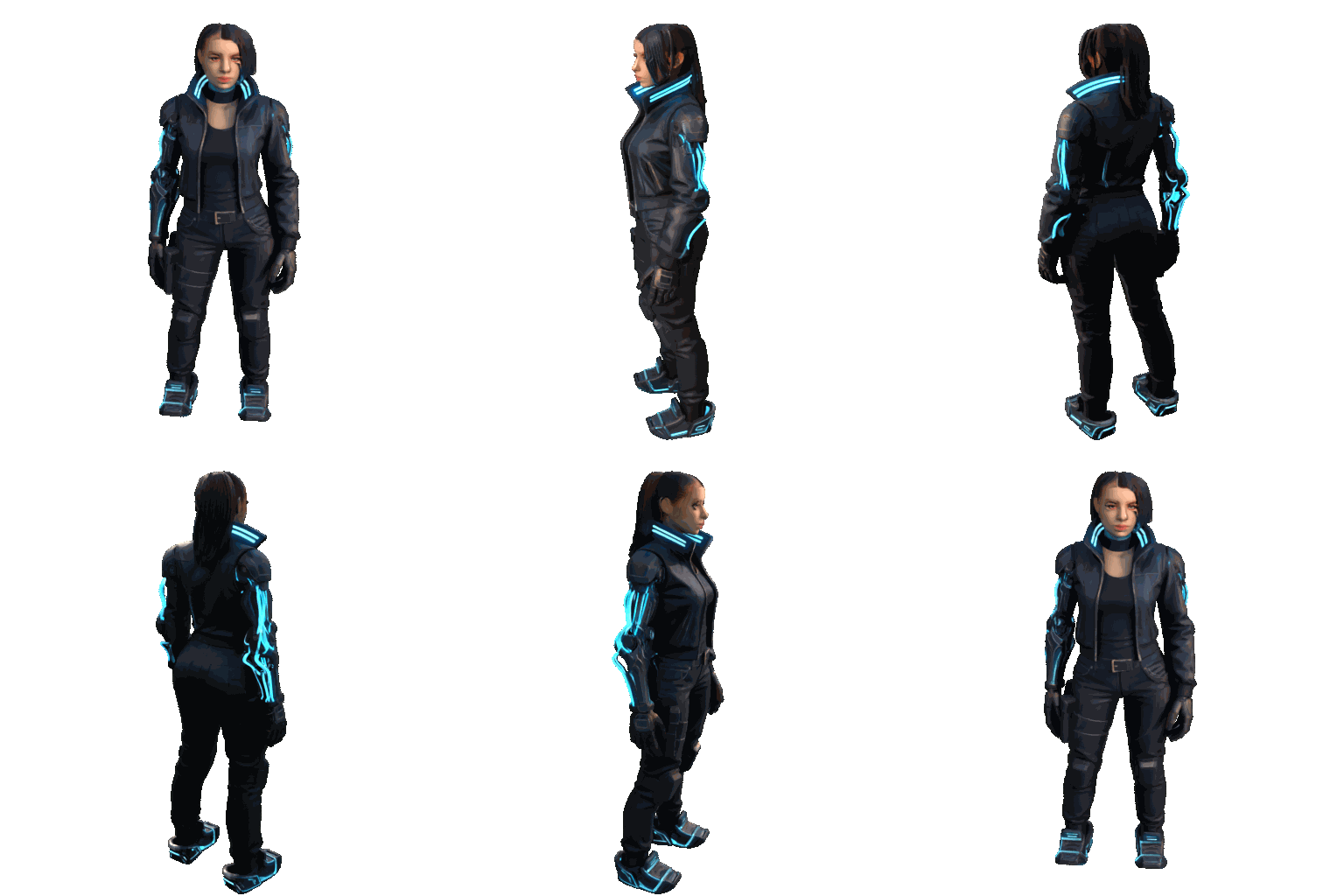
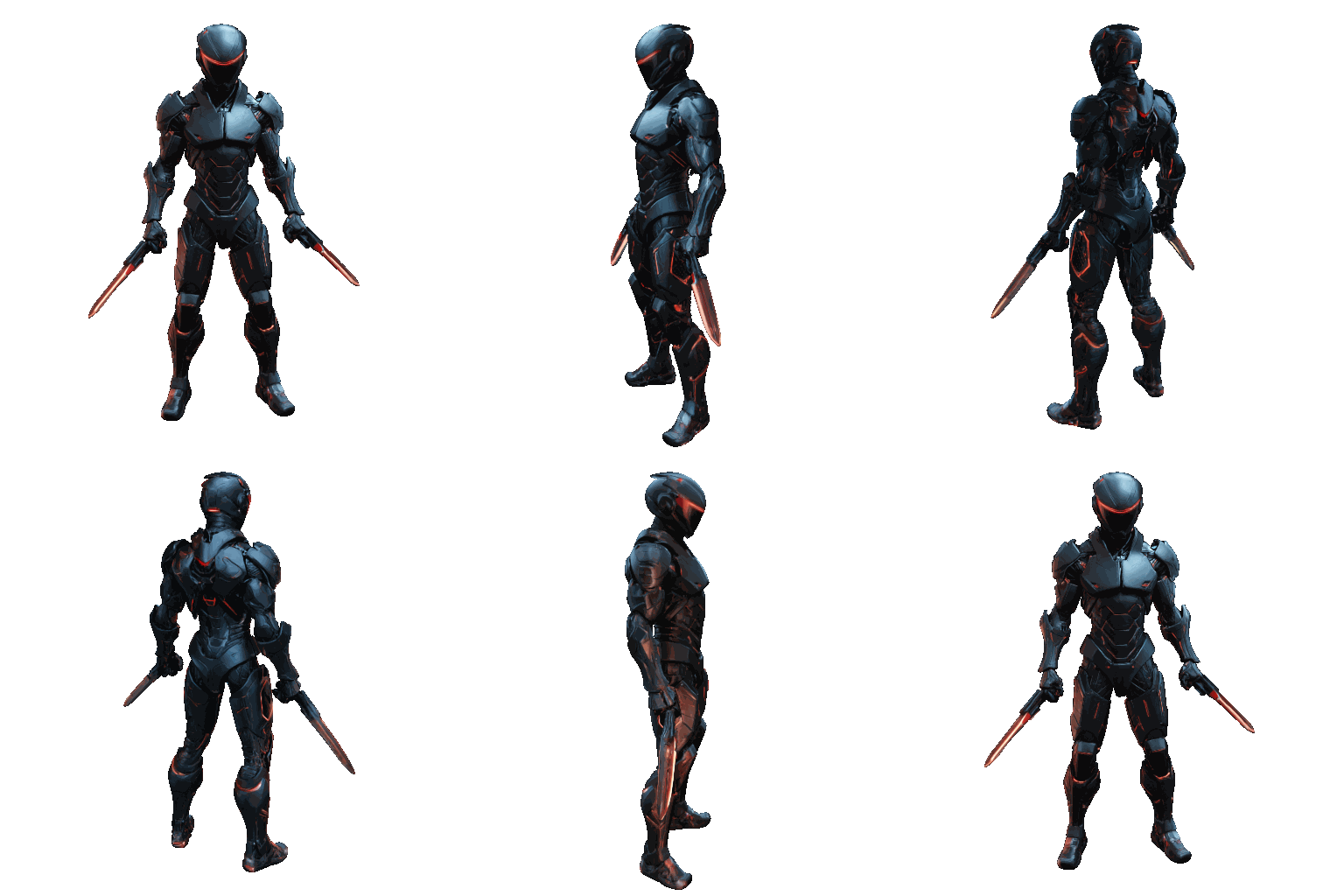
One: it generates 3D meshes. Type a prompt — “a cyber ninja,” “an ornate astrolabe,” “a fantasy dragon” — or drop in a single reference image, and StableGen pipes it through Microsoft’s TRELLIS.2, a 4-billion-parameter image-to-3D model, returning a real mesh with optional PBR materials. No leaving Blender, no marketplace round-trip.
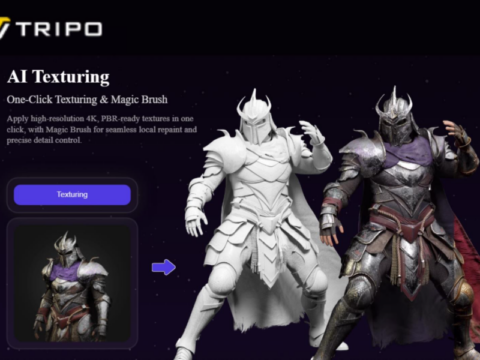
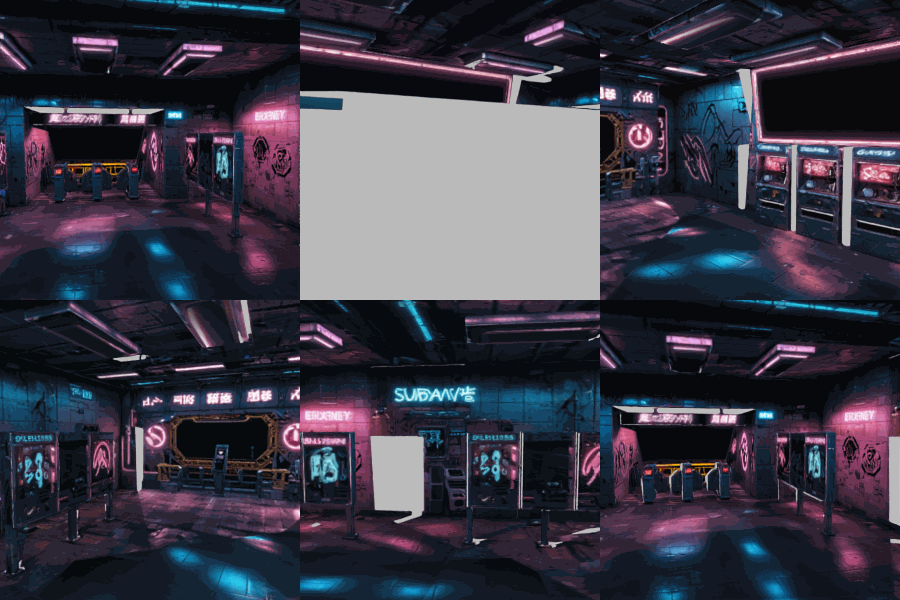
Two: it textures meshes you already have. This is the part that started as Sakala’s thesis and the part that’s quietly more impressive. Point StableGen at an existing model — a car, a head sculpt, a whole subway station — and it renders the geometry from multiple camera angles, runs those views through a diffusion model (SDXL, FLUX.1-dev, or Qwen Image Edit for crisp, legible detail), and projects the results back onto your UVs with weighted multi-view blending. ControlNet (depth, Canny, normal) keeps it locked to your geometry; IPAdapter lets you steer the look with a reference image. Its Sequential mode uses inpainting and visibility masks so the texture stays consistent as it walks around the model.
The headline trick of the latest build: scene-wide texturing. StableGen will texture every mesh in your scene in a single coordinated pass, not one object at a time — so a whole environment shares a coherent art direction instead of looking like a pile of mismatched assets.
Why You Should Care
Most of the AI-3D tools we cover here live in someone else’s cloud. You upload, you wait, you download, you pay per asset, and your geometry takes a field trip through a server you don’t control. StableGen flips that: the heavy lifting runs through a local ComfyUI backend on your own GPU, and the results land directly in the scene you’re already working in.
For a working artist that changes the math. Re-texturing iterations are free and fast. You can batch a folder of meshes overnight. There’s a 3D-print exporter with a physical color-mixing solver and 3MF output, a Local Edit mode for fixing just one patch, UV inpainting for bald spots, and 30-plus presets so you’re not tuning sampler settings to get started. It’s the difference between an AI gimmick and an actual production tool.

Try It / Follow Them
StableGen is free on GitHub (824 stars and climbing). The honest setup checklist: you’ll want Blender 4.2–4.5 or 5.1+, a CUDA-capable NVIDIA GPU (8 GB VRAM minimum, 16 GB+ if you want FLUX.1-dev or Qwen), and a separate ComfyUI install. An installer.py script automates the model downloads — budget 10–50 GB of disk depending on which models you pull.
One important caveat to read before you ship anything commercially: TRELLIS.2’s Native texture mode leans on NVIDIA’s nvdiffrast/nvdiffrec libraries, which are licensed for non-commercial use only. StableGen’s alternative texture paths (SDXL, Qwen, FLUX) sidestep those libraries entirely — so check your pipeline’s licensing before a paid project. Follow Ondřej Sakala at @sakalond for the roadmap.
IK3D Lab Take
We’ve spent months covering AI 3D models that each nail one link in the chain — Tripo for speed, Rodin for hero assets, TRELLIS for openness. StableGen’s bet is different and, frankly, more useful: it doesn’t try to be the best model, it tries to be the best place to stand. It wires the whole pipeline — generate, texture, refine, PBR-decompose, export — into the tool 3D artists already live in, and it does it without a subscription or a login. That’s the AI-in-the-loop workflow we keep saying is coming, except it’s here, it’s GPL, and it runs on your desk. The required ComfyUI setup and NVIDIA dependency are real friction, and the cloud one-click services will always be easier on day one. But for anyone who wants to own their AI 3D pipeline instead of renting it, StableGen is the most exciting thing to land in Blender this month.