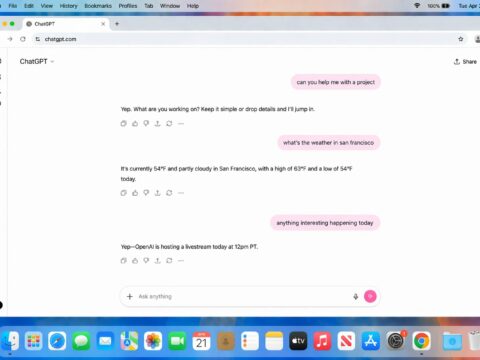
For three years, AI video has meant one shot at a time: type a prompt, hold your breath, and if the jacket comes out the wrong color, start over from scratch. On May 19 at Google I/O, DeepMind quietly broke that loop. Gemini Omni generates a clip — then lets you keep editing it in plain conversation. No re-roll. No losing the take you just fell for.
The Story
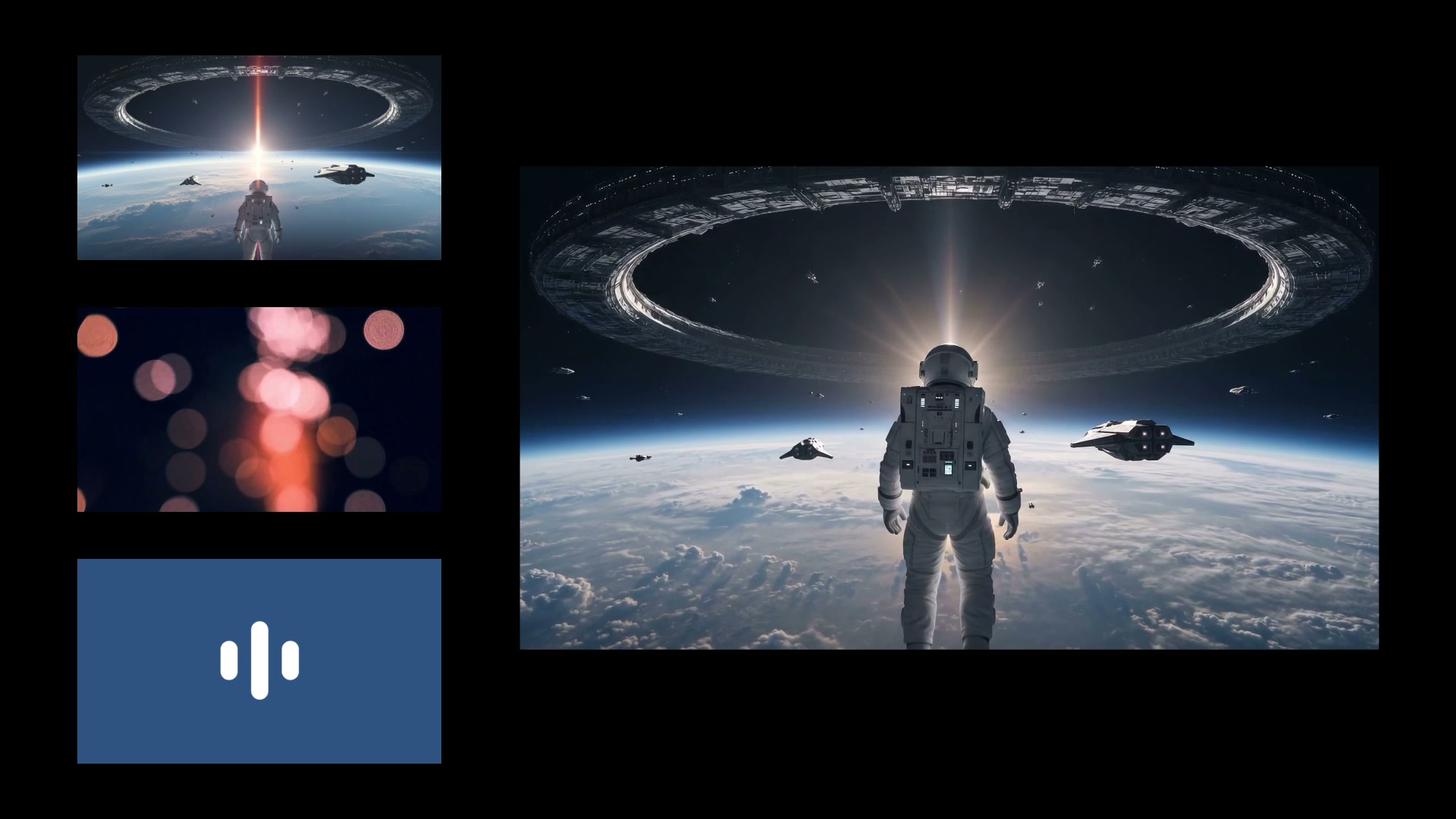
Gemini Omni is Google’s first “any-to-any” model family, and its opening act — Gemini Omni Flash — is already live. Feed it any mix of text, images, audio, and existing video, and it returns coherent, physics-aware footage up to 10 seconds long with native, synced audio. On its own, that’s table stakes in 2026; Seedance, Veo, Kling and Wan all generate video from text now.
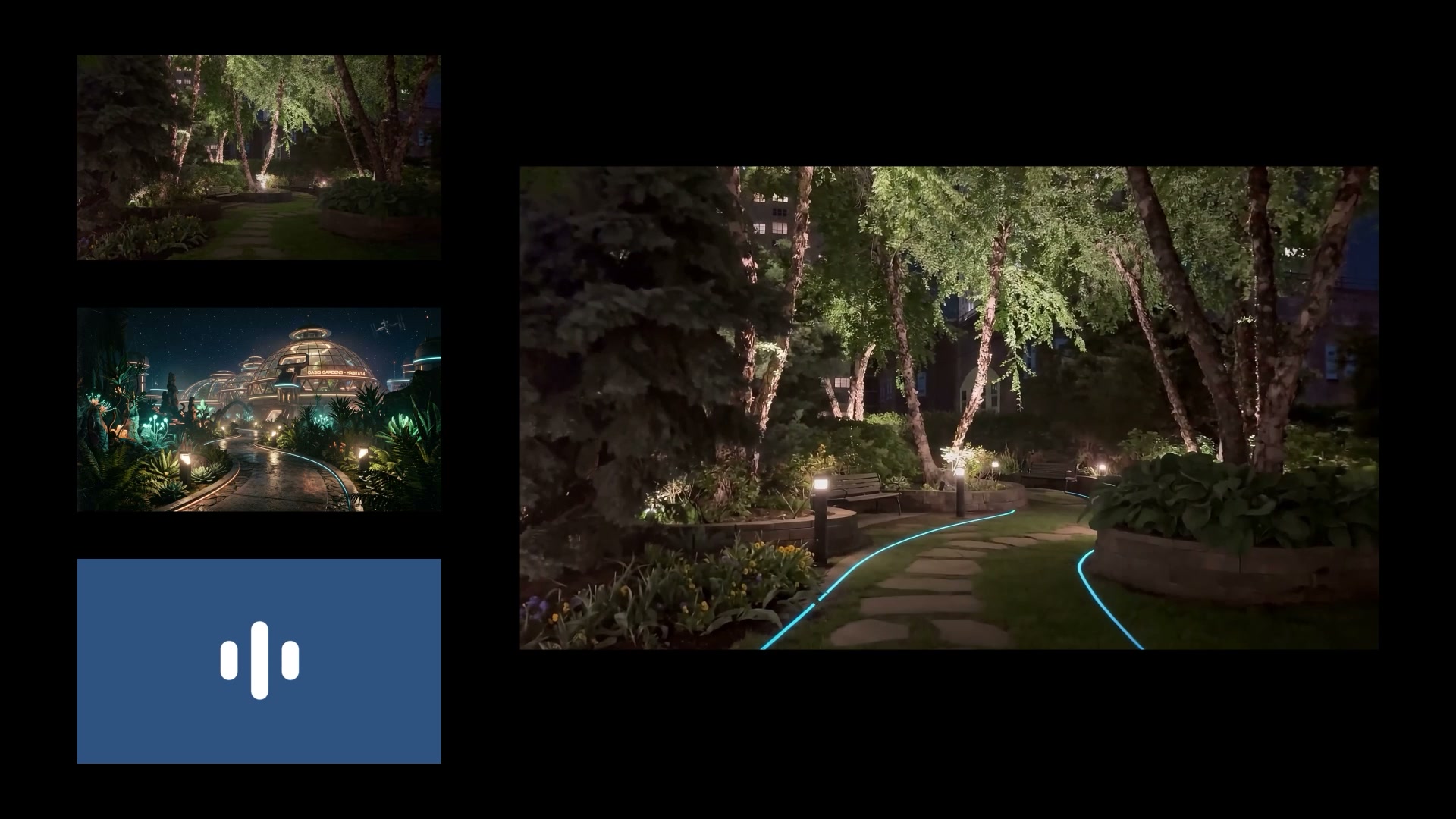
What’s genuinely new is what happens after the first render. Omni treats the clip as a living scene you can talk to. “Make the background a rainy Tokyo street.” “Give him a leather jacket.” “Lose the person on the left.” It applies each change while holding continuity — same character, same lighting logic, same camera language — instead of rolling a fresh dice. No rival model ships this in-chat editing loop, and once you’ve used it, fire-and-forget prompting feels prehistoric.
Under the hood, Google leaned on physics: the team claims a sharper grasp of gravity, kinetic energy and fluid dynamics, so water sloshes and fabric falls closer to the real thing. There’s also a digital-double feature — record yourself reading a string of numbers (an anti-deepfake check lifted from OpenAI’s retired Sora Cameos), and Omni builds a reusable avatar that speaks in your own voice. Tellingly, Google held back its riskiest trick — editing speech inside existing footage, or morphing a person into an animal while keeping their voice — saying it’s “still in testing.” Every output carries an invisible SynthID watermark; Google says the system has now tagged over 100 billion AI images and videos.
Why You Should Care
The headline isn’t “another text-to-video model.” It’s that editing finally moved inside the generation loop. Today, fixing one wrong detail in an AI clip usually means re-prompting and praying the other 90% survives. Omni turns that into a directable conversation: generate once, then iterate like you’re giving notes to a junior compositor. For storyboards, animatics, social cuts and pitch films, that’s the difference between a toy and a tool.
It also signals where the big labs are heading: unified, multimodal models that don’t care whether your input is a photo, a sound, or a rough cut. The fragmentation we’ve lived with — one tool for image, one for video, one for audio, one for editing — is exactly the thing Omni is built to collapse.
Try It / Follow Them
Gemini Omni Flash is rolling out now to Gemini app subscribers (AI Plus, Pro and Ultra) worldwide, inside Google Flow, and free on YouTube Shorts and the YouTube Create app. The developer and enterprise API (via the Gemini API and Vertex AI) is “coming in the weeks ahead,” and a higher-end Omni Pro is promised with no date yet.
Two honest caveats before you cancel your other subscriptions. First, cost: one creator burned roughly 86% of a daily AI Pro allowance on just two generations — this is not a model you idle on. Second, ceiling: clips cap at 10 seconds (a deployment choice, Google says), and reviewers note Omni’s motion has a faint “over-smooth,” uncanny fluidity. Seedance 2.0 still edges it on raw motion realism and runs to 15 seconds with audio. Read Google’s announcement here.

IK3D Lab Take
Omni is “technically extraordinary and occasionally emotionally flat,” as one reviewer put it — clean, powerful, slightly corporate. But the conversational edit loop is the part 3D and previz people should watch. We spend our working lives in iterate-and-revise workflows; a generative model that finally respects that — keep the scene, change one thing — is far more useful to a maker than a flashier one-shot generator.
The honest limit: this is still 2D video, not a navigable 3D scene. You can’t relight it in Blender or push it through a render pipeline. But pair Omni’s editable, physics-aware video with the world-model wave we’ve been tracking — Marble, Genie, Tripo’s Project Eden — and the trajectory is obvious: editable footage today, editable persistent 3D worlds tomorrow. For now, treat Omni as the fastest concepting and previz partner Google has ever shipped — and keep one eye on that withheld speech-editing feature, because that’s where the real ethical fight is coming.