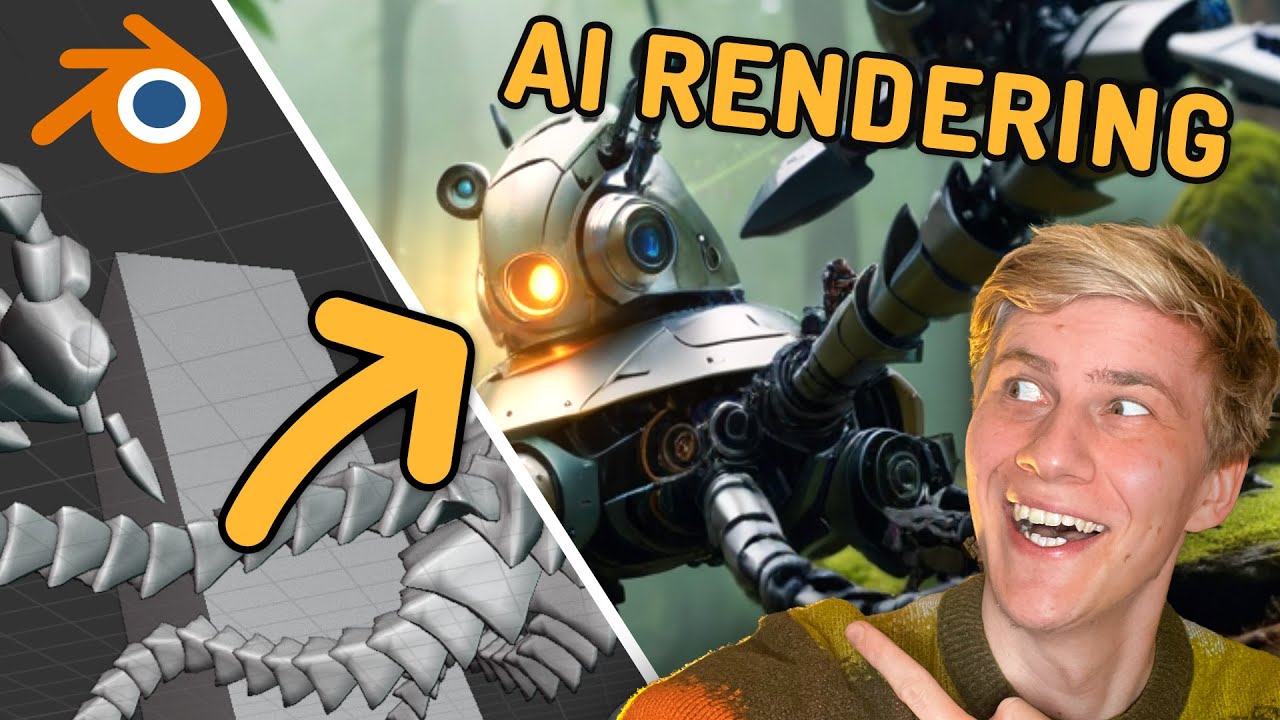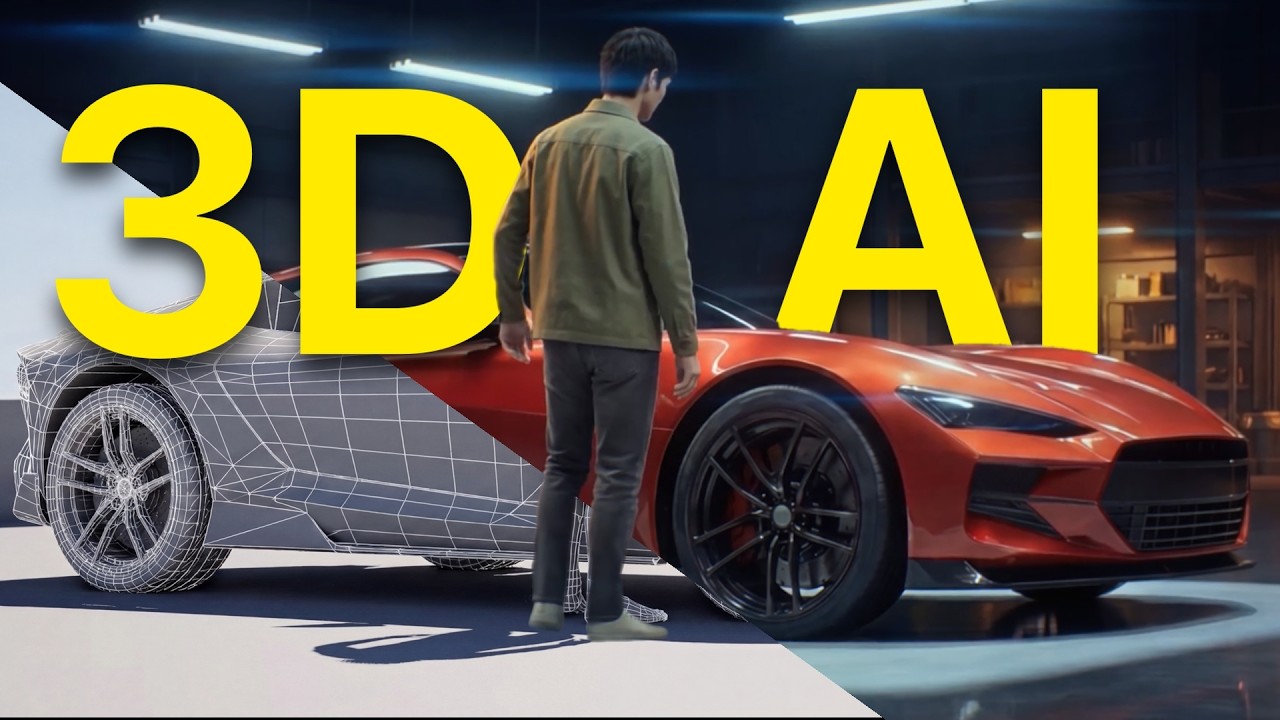
If you’ve ever spent a Sunday night watching a 12-second Cycles render trickle frame by frame, this one’s going to hurt — in a good way. Mick Mahler, the VFX artist behind the Mickmumpitz channel, just dropped AI Renderer 2.0: a free ComfyUI + Blender workflow that takes your rough greybox layout and outputs cinematic, motion-consistent video — locally, on your own GPU, no Octane subscription, no farm, no cloud.
This isn’t a slick gimmick. It’s a full pipeline, free on his site, and it’s pushing the open-source AI rendering stack into a place that was supposed to be three years away.
The Story
Mick Mahler is not a random YouTuber. He studied VFX and animation at the Internationale Filmschule Köln, did a Fulbright at SCAD, and has spent the last two years quietly becoming the most-watched bridge between traditional 3D and the ComfyUI underground. His shtick: keep Blender for what Blender does well — deterministic camera, character blocking, base motion — and hand the rest to AI.
AI Renderer 2.0 (released February 2026, free workflow) is the cleanest expression of that idea so far. You build a rough scene in Blender. You export depth, line-art, and pose passes. You hit render in ComfyUI. The pipeline reads your geometry through ControlNets and generates a fully stylized video sequence guided by Wan 2.1 VACE 14B (merged with SkyReels V3 R2V), a reference frame produced by Z-Image Turbo, and Depth Anything 3 for monocular depth lock-in.
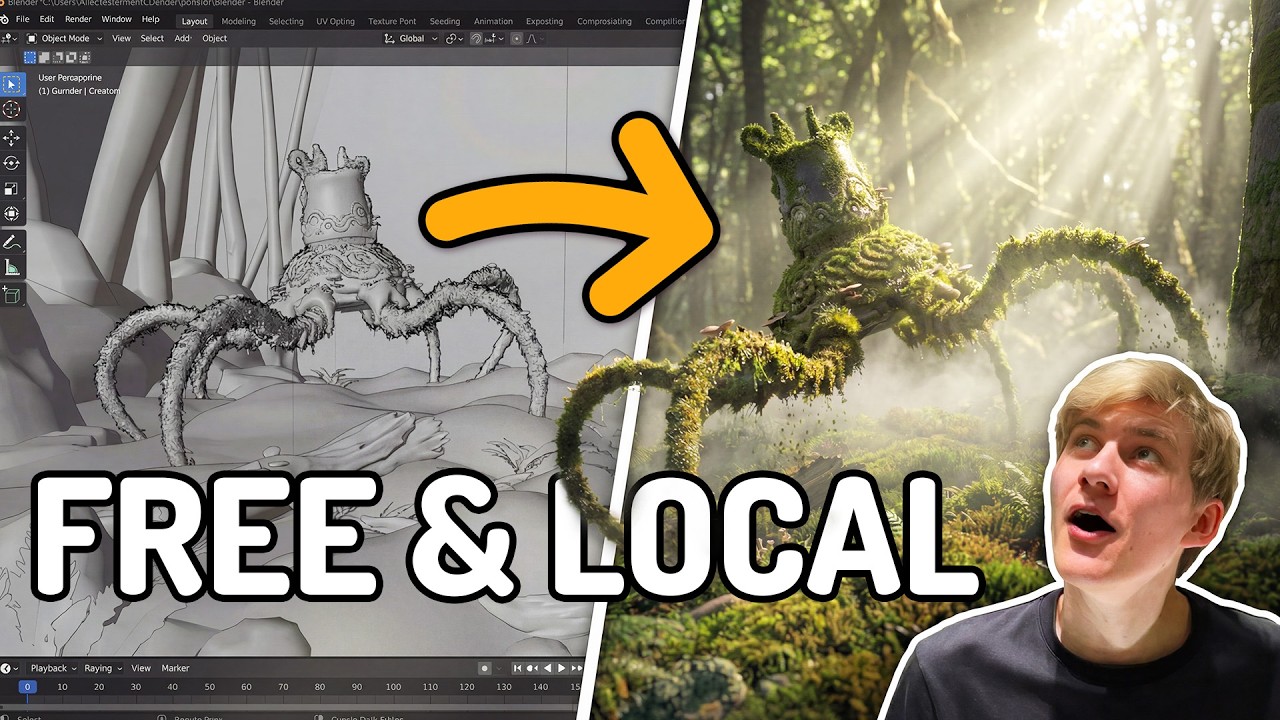
The output is the part that breaks your brain. You feed it grey clay characters running through a featureless box of a set. You get back: realistic skin, fabric flutter, smoke, water, dust kicks, volumetric lighting — all locked to your camera move and your character animation, frame to frame, with the kind of temporal coherence that 2024 stable-diffusion-on-Blender experiments could only fake.
Why You Should Care
Three reasons this matters more than the typical “new ComfyUI workflow” drop:
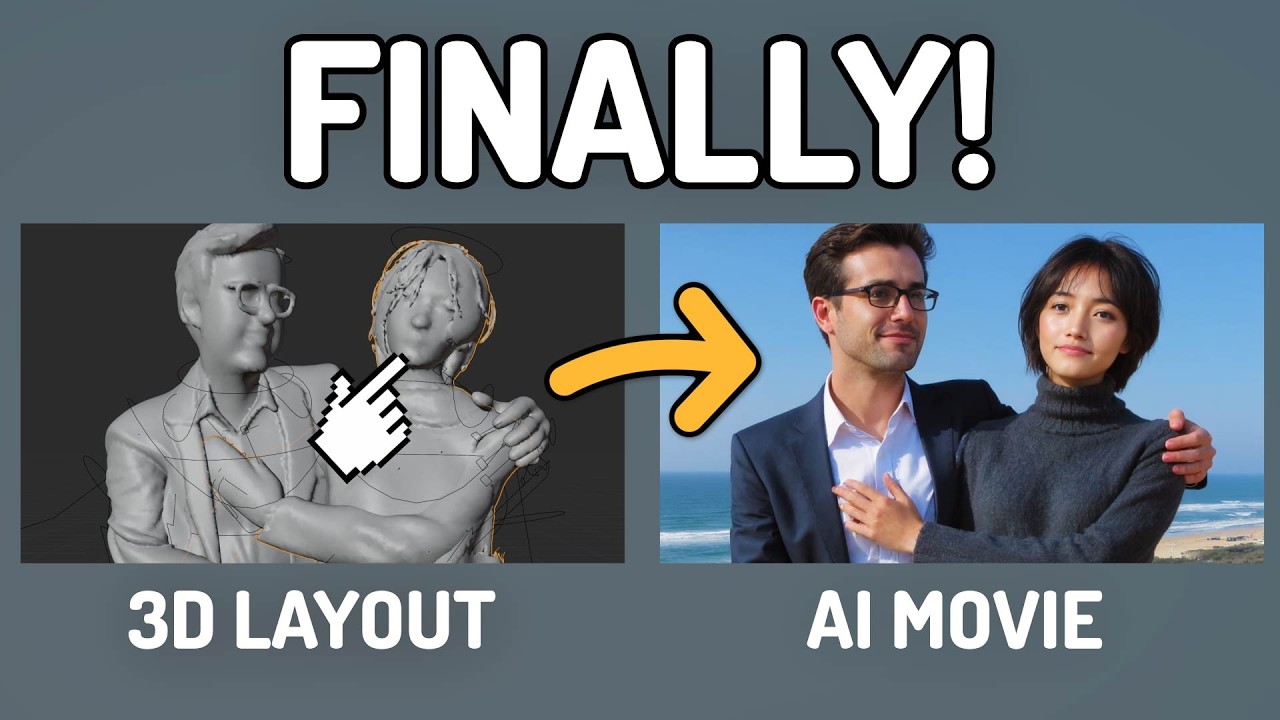
- It’s the first AI render workflow that respects 3D animator intent. Most text-to-video tools hallucinate camera moves. This one obeys yours. Depth, edges, OpenPose — pick your control type, prioritize layout fidelity or crisp silhouettes, and the AI fills in only what you didn’t specify.
- It scales. The standard workflow handles ~121 frames in a single pass. The advanced version (Patreon) does iterative generation with automatic frame blending, resume support, and custom nodes — meaning multi-shot sequences, not just clips.
- It’s free and local. SkyReels V3 × Wan VACE merge, Z-Image Turbo, Depth Anything 3, Z-Image-Fun ControlNet Union 2.1 — all open weights. No API fees. No “unlimited” tier that suddenly throttles you. Your prompts stay on your drive.
This is the moment the indie 3D animator stops needing a render farm to compete on visual quality with a small studio. Not eventually — now. Mick is essentially demoing what the next 18 months of micro-budget filmmaking looks like.
Try It / Follow Them
- Free workflow + guide: mickmumpitz.ai/guides/ai-powered-3d-animation-rendering
- YouTube: @mickmumpitz — start with the AI Renderer 2.0 video, then the “Multiple Consistent Characters” workflow
- Patreon (advanced version, longer sequences): patreon.com/cw/Mickmumpitz
- Hardware reality check: Wan 2.1 VACE 14B + Z-Image Turbo is hungry. Plan for a 24 GB GPU as a comfortable floor (RTX 3090 / 4090 / 5090). 12-16 GB cards can run it with offloading and smaller resolutions, but expect to wait.
IK3D Lab Take
What’s quietly remarkable about Mickmumpitz isn’t the model picks — it’s the philosophy. He treats Blender as the spine and AI as the skin. Camera, blocking, timing — those stay deterministic. Look, lighting, FX — those go to the diffusion pile. That split is the workflow we keep predicting will dominate VFX, and Mick is the rare creator out there with a working pipeline you can download tonight, instead of a slide deck.
If you’re sitting on Blender skills and you’ve been waiting for permission to add ComfyUI to your stack: this is it. AI Renderer 2.0 is the on-ramp. The render farm era is ending in someone’s bedroom in Cologne, and they’re handing you the workflow file for free.