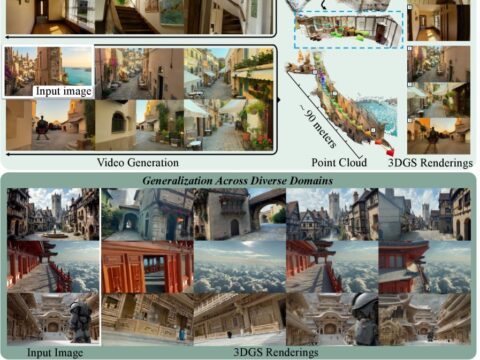
Gaussian Splatting is the most photorealistic scene capture tech we have right now. Scan a real space with your phone, reconstruct it in minutes — the results are jaw-dropping. But rendering large 3DGS files in real-time inside a game engine? That’s been the wall that’s kept it out of production pipelines. Until now.
The Story
Tim Chen is Lead Technical Artist at Moonshine Studio, a VFX and animation firm. Part of his day job involves getting real-world Gaussian Splat captures into Unreal Engine production pipelines — and hitting the performance wall, hard.
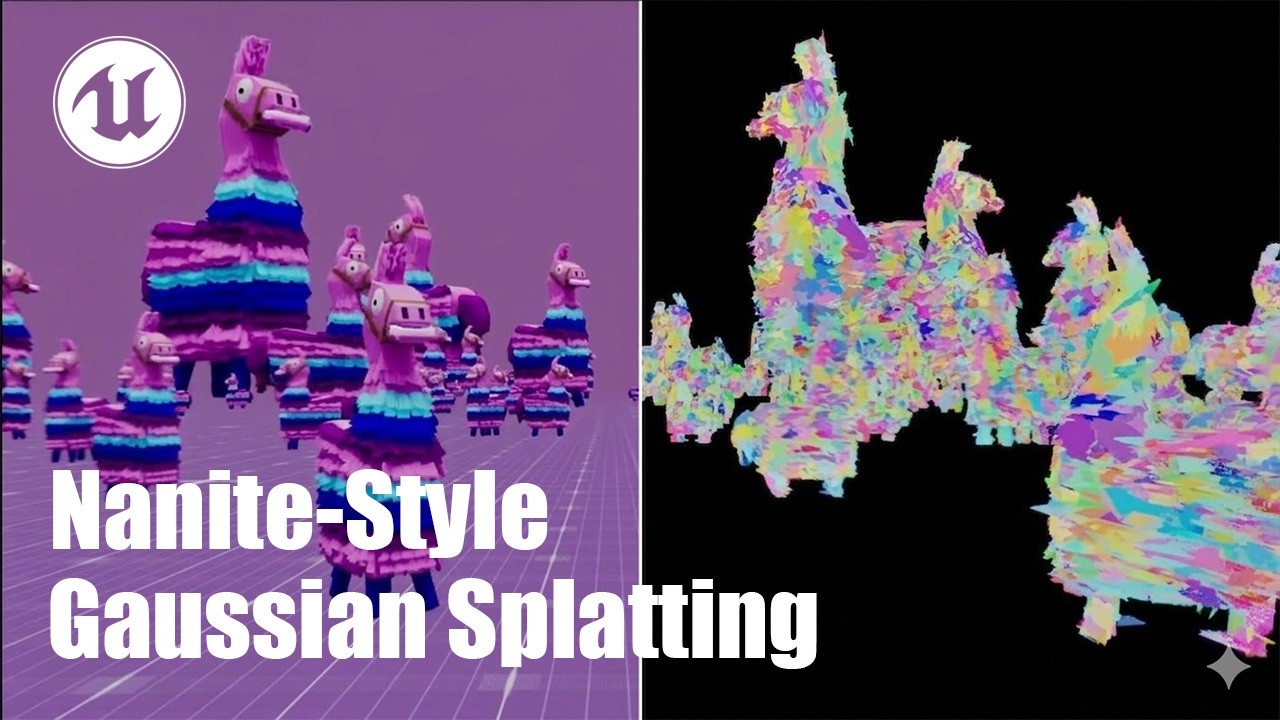
His answer: NanoGS (Nano Gaussian Splatting), a free UE5 plugin he just released that takes the same philosophy Epic used for Nanite — geometry virtualization with smart LOD clustering — and applies it to 3D Gaussian Splats.
The core technical problem with 3DGS at scale is brutal: every single splat in a scene participates in the GPU sorting pass at all times, even the ones behind the camera or too small to see on screen. A large architectural scan or VFX environment can contain millions of splats. Your GPU is doing work for splats that never even appear in the frame. This destroys performance.
NanoGS fixes this with a stack of techniques borrowed from modern rendering engine architecture:
- Nanite-style LOD Clusters — the scene is automatically broken into clusters, each with multiple detail levels
- Screen-Space Error LOD Selection — only the LOD level appropriate for the current camera distance/angle is rendered
- Frustum Culling — splats outside the camera view are completely excluded from the sorting pass
- Splat Compaction + GPU Radix Sort — only the visible, relevant splats are sorted, dramatically reducing GPU overhead
- Global Accumulator — manages VRAM budget intelligently, cutting further with the
gs.MaxRenderBudgetconsole variable
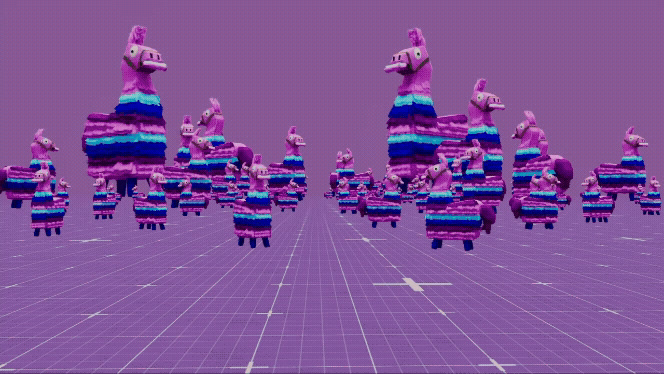
The result, on an RTX 2070 (not a current-gen card), is a 4x+ increase in viewport frame rate on a large splat scene. That’s the headline number from Tim’s own demo video — and it’s for a proof-of-concept v1.0 release.
Why You Should Care
Gaussian Splatting has been the darling of the scan-to-digital pipeline for good reason: nothing else produces that level of photorealism from casual capture. Architects scanning site conditions, VFX artists integrating real locations into shots, game devs capturing reference environments — the capture workflow is fast and the output is stunning.
But until NanoGS, plugging those captures into Unreal Engine meant either:
- Working with tiny, cropped splat files that don’t capture the full scene
- Accepting slideshow frame rates in the viewport
- Paying for commercial solutions like the Volinga Plugin
NanoGS makes large-scale splats viable for real-time work. The Head of Department for Unreal Engine at DNEG India — one of the biggest VFX houses on the planet — already called it “amazing” on LinkedIn the day it dropped. That’s not influencer hype; that’s a production pipeline engineer recognizing a tool they can actually ship with.
Try It
NanoGS is free, MIT licensed, and compatible with Unreal Engine 5.6 and 5.7. The current release (v1.0.1) is compiled binaries only — source code is coming soon.
Getting started in 3 steps:
- Download the plugin from the GitHub Releases page
- Drop it into your UE5 project’s
Plugins/folder - Import your PLY file via the import button — a Gaussian Splat Asset is created automatically, then drag it straight into your level
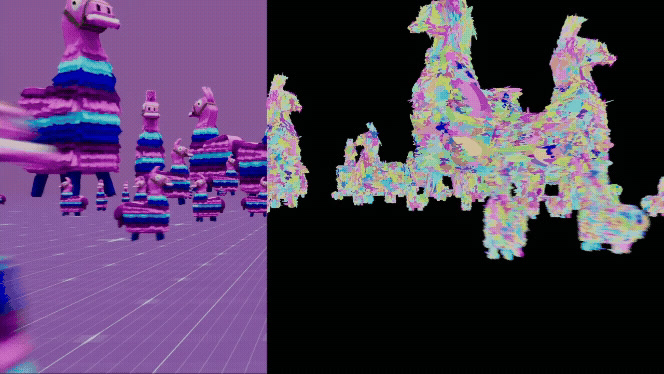
Key settings to tune: SH Order (spherical harmonics quality), Sort Every Nth Frame (sorting frequency vs smoothness tradeoff), LOD Error Threshold (cluster switching sensitivity), and Enable Frustum Culling (on by default, toggle if you need splats to persist outside frame edges).
Pro tip from Tim himself: don’t import one massive PLY file. Slice your capture into smaller tiles or individual props first. The repo includes a Python tile slicer to help. A single monolithic splat can’t be culled efficiently — tiles can.
Debug console commands for testing:
gs.ShowClusterBounds 1        // visualize Nanite clusters
gs.DebugForceLODLevel 2       // force a specific LOD for debugging
gs.MaxRenderBudget 3000000    // cap max visible splats to save VRAM
→ Download NanoGS on GitHub
→ Watch the demo video
→ Follow Tim Chen on LinkedIn
IK3D Lab Take
What Tim Chen did here is exactly what good tool-building looks like: he hit a real production problem, solved it using proven rendering techniques (Nanite LOD clustering) adapted for a new data format (3DGS), and dropped it as a free MIT-licensed plugin before polishing it to death.
The 4x performance number on a mid-range GPU is conservative — future versions with source code access and community contributions will push this further. The fact that DNEG India already flagged it as production-relevant within 24 hours of the announcement tells you everything about the pain point this solves.
For IK3D, the immediate use cases are obvious: architectural site scans, cultural heritage capture, and environment reference for game-ready scenes. The combination of Luma AI or Gaussian Splatting capture + NanoGS + UE5’s lighting pipeline is now a legitimate alternative to photogrammetry for a lot of workflows — faster to capture, comparable visual quality, and finally performant enough for real-time use.
This one’s going straight into the toolkit. Go get it.