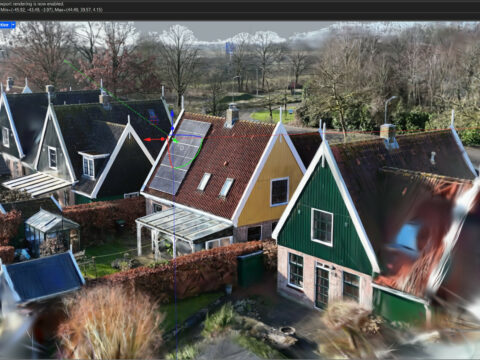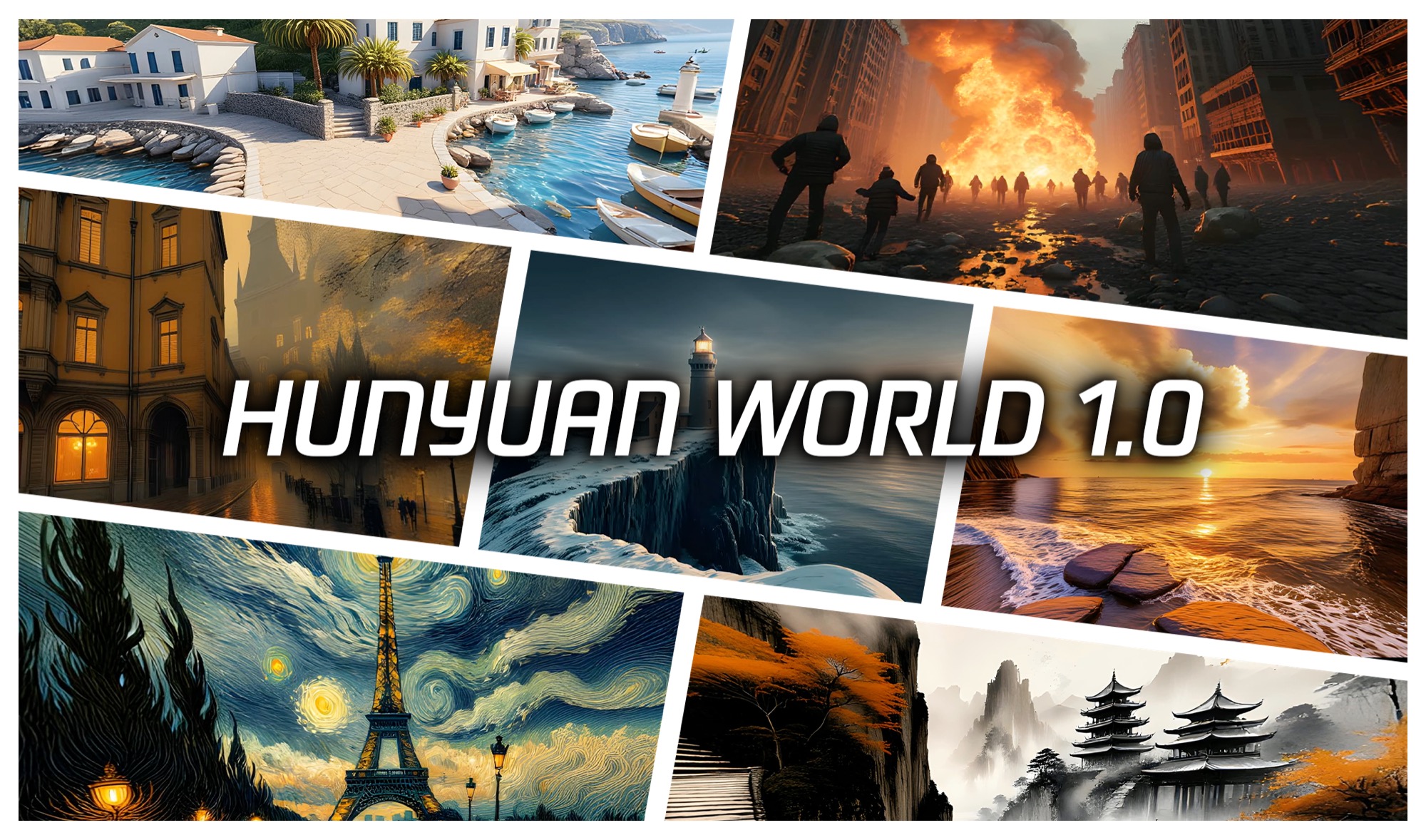
You point your phone at a room. You take a short walk-around video. A few minutes later, you have a full 3D Gaussian splat of that space — no camera rig, no calibration, no COLMAP. And it lands right next to the game art you were already making.
That is what Scenario just shipped. On August 3, 2026, the game-asset AI platform quietly added Tencent HY World Multi-view to Splat as a hosted feature. Capture becomes a button. No install, no GPU of your own.
The Story
Scenario is not a splat tool. It is a “creative AI infrastructure” platform built for game studios, from indie to AAA. You upload your art bible and style references, train a model on your look, and batch-generate on-brand 2D assets. Think of it as a factory for concept art, sprites, textures and character sheets that all match.
3D was already part of that factory — Tripo, Hunyuan 3D and Meshy for image-to-3D, Trellis 2 for retexturing. The new piece is scene capture. Not one object. A whole place you can walk through.
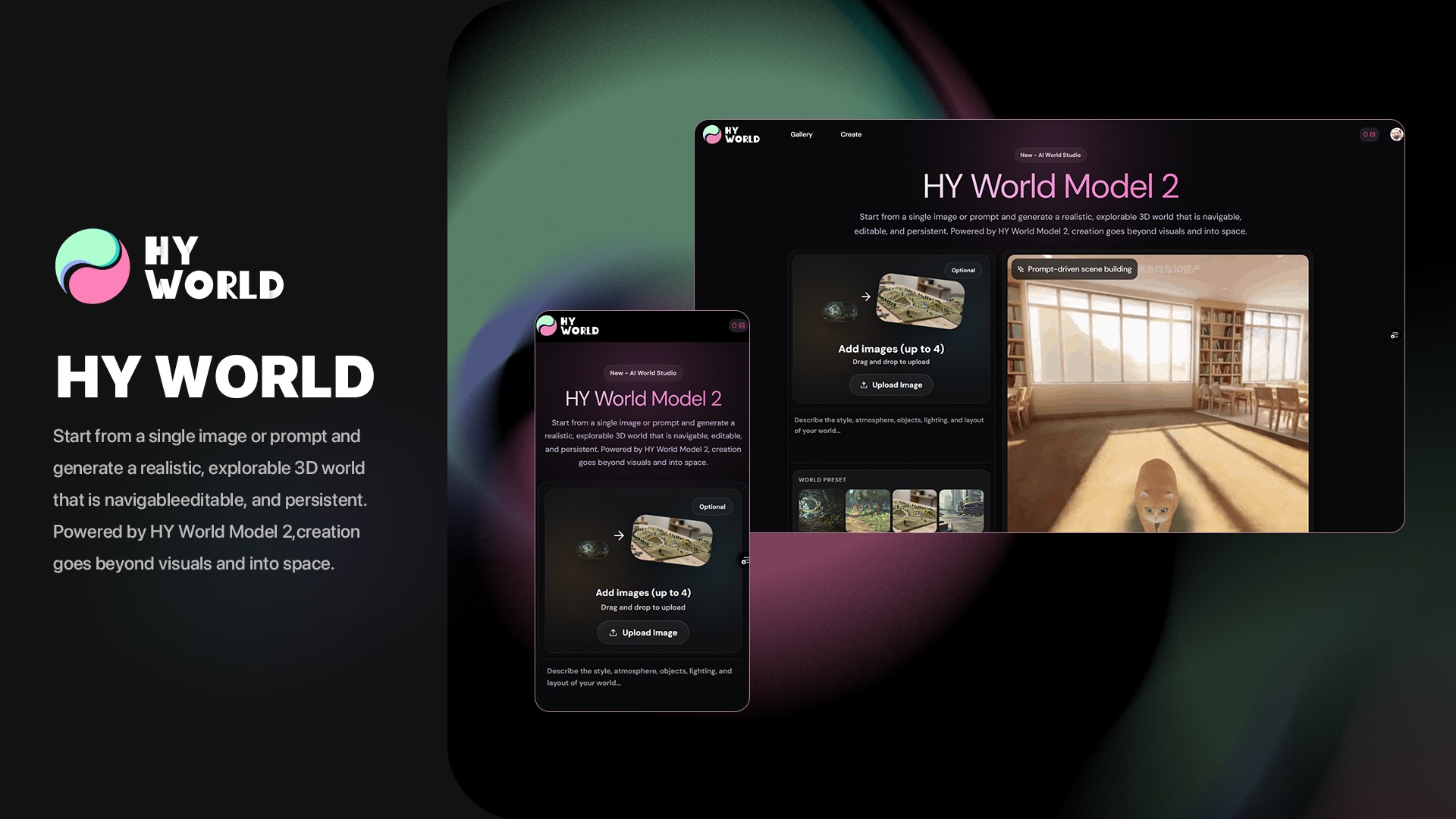
Under the hood is Tencent’s HunyuanWorld model, exposed inside the app as model_hunyuan-world-multiview-to-splat. Here is what it eats and what it makes:
- Input: 2 to 64 overlapping photos, or a single video walkthrough.
- No prep: no camera rig, no calibration step. The model works out the perspectives itself.
- Output: an explorable 3D Gaussian splat, up to 15 million points.
- Resolution: inference up to 1920.
- Preview: auto-configured camera, so you see the scene right away.
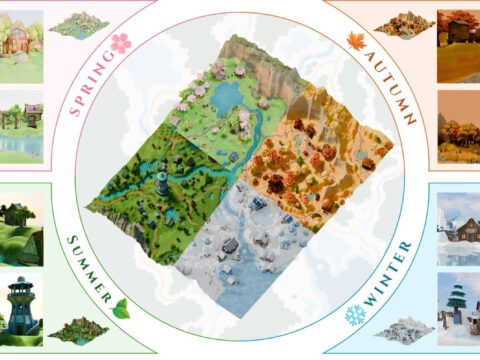
And it does not stop at multi-view. Scenario also offers HY World Skybox to Splat and Image to Skybox. So a single flat image can become a skybox, and that skybox can become a splat. The platform now runs three splat engines side by side: World Labs Marble, HunyuanWorld, and VAST AI TripoSplat. You pick the one that fits the shot.
Why You Should Care
The splat world has been obsessed with capture quality for two years. This is a different move. It is about where capture lives.
Until now, making a splat meant a separate pipeline: shoot, run COLMAP, train in a splat studio, export, then import into your art tool. Every step was its own app and its own headache. Scenario collapses that. The capture sits in the same account as your concept art, with the same audit trail and the same SOC 2 Type II compliance a studio needs to sign off on a vendor.
For a game team, that matters more than one extra point of PSNR. It means an environment artist can reference a real location by lunch, not by Friday. It means “go scan the alley behind the office” becomes a phone video, not a photogrammetry project.
The “no calibration” part is the quiet win. Overlapping phone photos are messy. HY World is trained to sort out the camera poses on its own, which is exactly the step that scares off non-technical artists. Remove it, and splats stop being a specialist’s toy.
Try It / Follow Them
- Scenario: sign in at app.scenario.com and look for the HY World models in the 3D / Splat section.
- The model, open-source: HunyuanWorld 1.0 and the newer HY-World 2.0 on GitHub if you want to self-host.
- Track the space: Michael Rubloff’s write-up at Radiance Fields.
IK3D Lab Take
The interesting news here is not the model. HunyuanWorld has been open for a year, and we have covered world models all summer. The news is packaging. A game-art platform decided that “capture a real place as a splat” belongs in the same drawer as “generate a character sheet.”
That is how a research technique becomes a habit. Not when it wins a benchmark — when it shows up as a button next to the work you already do, with compliance a studio lawyer will accept. Splats have spent two years proving they look good. This is them proving they can be boring, hosted infrastructure. That is the bigger milestone.
The catch we would watch: hosted means their GPU, their credits, their rules. Fifteen million points in the cloud is convenient until you need the raw file for your own engine. Great for previz and reference today. We will believe the full production pipeline when the export is as easy as the capture.