Running AI video generation locally — no cloud, no subscription, no queue — just crossed from “technically possible with a lot of pain” to “there’s an app for that.” Lightricks has just launched LTX-2.3, a 22-billion-parameter open-source model that generates native 4K video and synchronized audio in a single diffusion pass. And it runs on your RTX GPU.

The Story
Released March 5, 2026, LTX-2.3 is the third generation of Lightricks’ open-weight video model — and it’s a real leap forward. Previous versions were solid but limited: no audio, capped resolutions, the usual quantization issues. LTX-2.3 changes that.
The core architectural bet: a dual-stream Diffusion Transformer (~14B params for video, ~5B for audio) that generates video frames and synchronized stereo audio in a single unified diffusion pass. No post-processing. No dubbing after the fact. Audio is baked in at generation time — ambient sounds, music, environmental texture — all synchronized frame by frame via cross-attention between the two streams.
The specs are genuinely impressive for an open model:
- Resolution: native 4K (3840×2160)
- Frame rates: 24, 25, 48 and 50 FPS
- Clip length: up to 20 seconds
- Portrait: Native 9:16 support (1080×1920) — no more cropping
- Audio: Stereo 24kHz, synchronized
- License: LTX-2 Community License (free commercial use under $10M ARR)
On the Artificial Analysis leaderboard for open-weight video models (March 2026), LTX-2.3 Fast lands at Elo 1,121 — ahead of Wan 2.2 A14B (1,111) and Wan 2.1 14B (1,020). In practice: community benchmarks show 10-14x faster than Wan 2.2 on RTX 4090. A 5-10 second draft takes 1-2 minutes locally, versus 12-18 minutes with Wan 2.2.
LTX Desktop: A Real App Shipped With the Model
This is where it gets genuinely interesting. Lightricks didn’t just dump weights on HuggingFace — they shipped LTX Desktop, a full open-source desktop editor that runs the model entirely locally. No ComfyUI nodes to decipher. No Python setup hell. Install the app, point it at your GPU, generate.
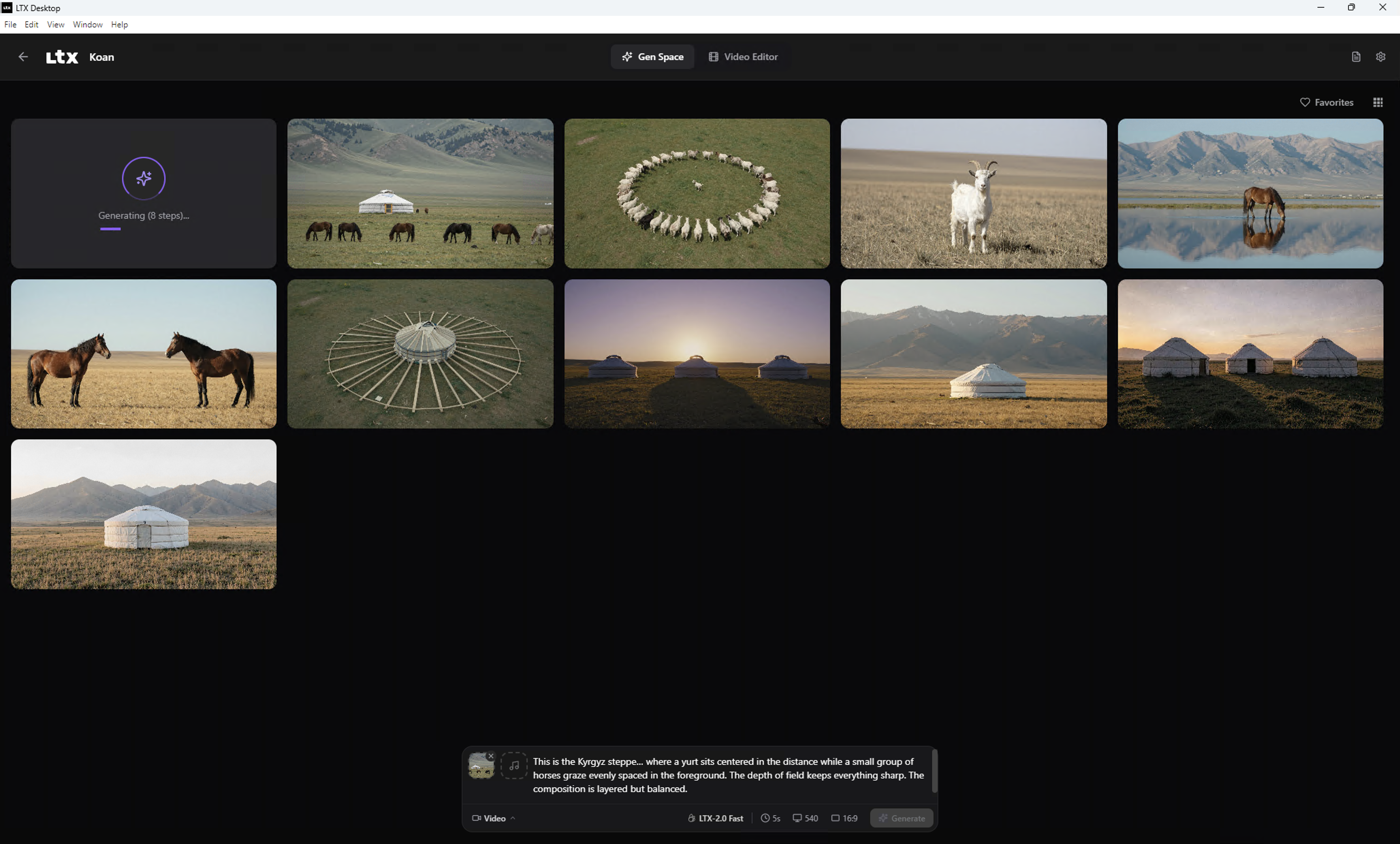
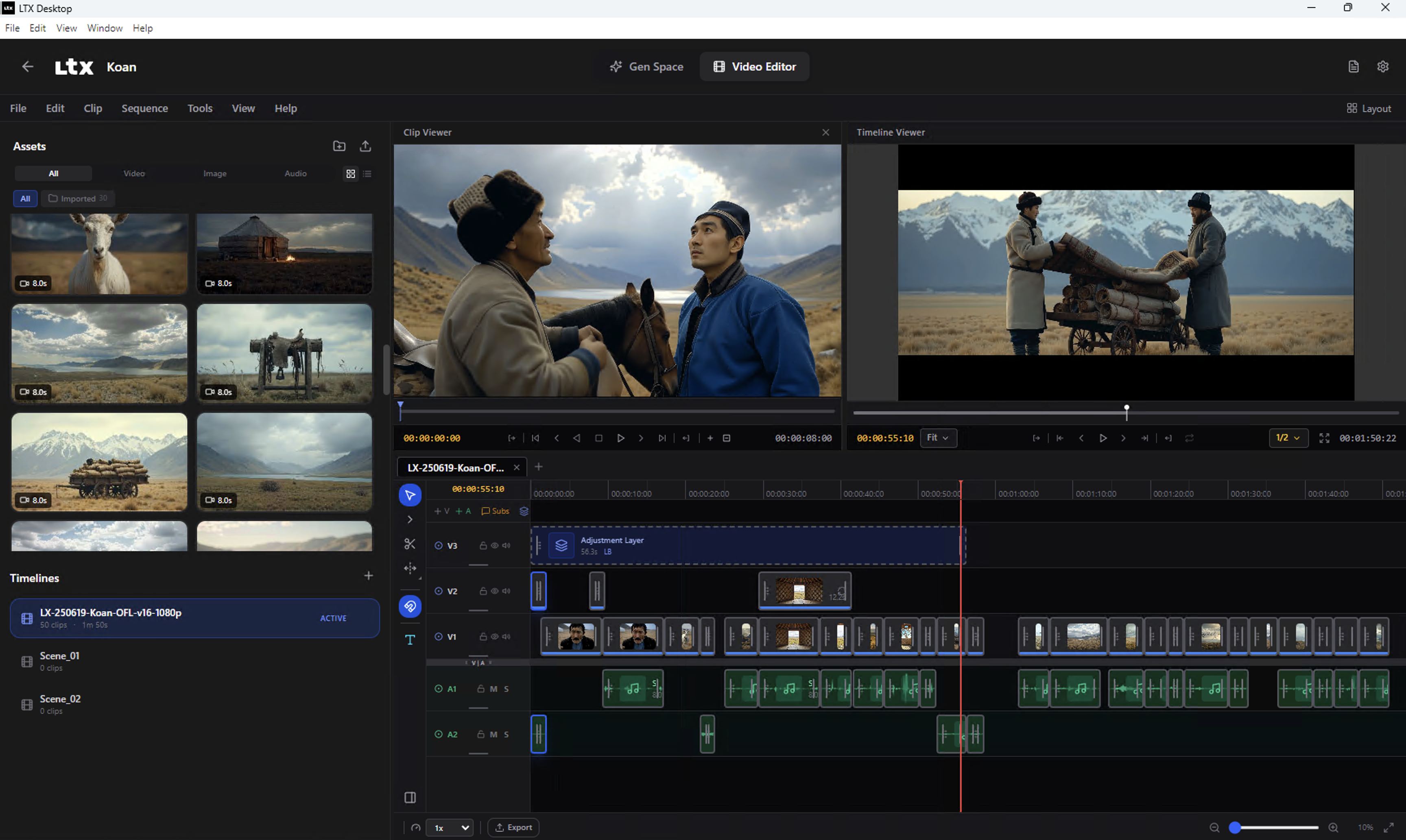
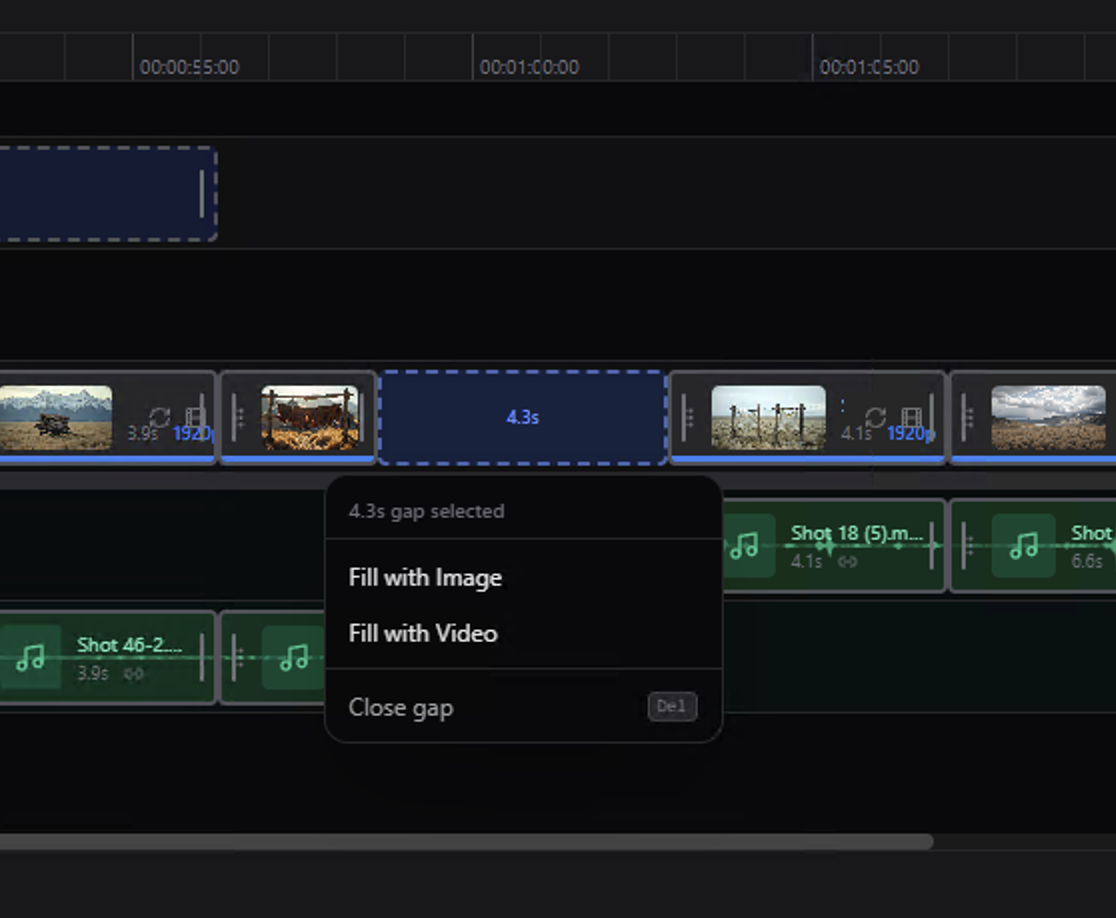
The app covers text-to-video, image-to-video, audio-to-video, and editing features including Retake (regenerate specific segments) and video extension. There’s a full timeline editor — you can clip, trim, and compose outputs directly without touching a third-party editor.
Hardware requirements: you need 16GB+ VRAM for local generation on Windows or Linux (NVIDIA CUDA). Below that, or on macOS, the app falls back to API mode — usable but cloud-billed. For comfortable 4K, aim for 24GB+ (FP8 quantized) or 44GB in full FP16. An RTX 4090 handles 720p-1080p comfortably locally; Unsloth’s GGUF quantizations push below 12GB VRAM with a slight quality trade-off.
Why You Should Care
Three things make this launch more than “yet another video model drop”:
1. The audio-visual unification changes workflows. Every other local video model delivers silent footage and leaves you to sort out audio separately. LTX-2.3’s unified generation means you can describe a scene — a forest at dawn, wind through the trees, birds in the distance — and get a clip where the sound matches what you see, generated simultaneously. For game concept artists, motion designers, and VFX previs, that cuts an entire pipeline step.
2. The speed changes the nature of the tool. 10-14x faster than Wan 2.2 on the same hardware doesn’t just mean less waiting. It means you can actually iterate. Generate 10 variations of a shot in the time it took to generate one. That’s the difference between a research toy and a creative tool.
3. It’s local and open. Your prompts, your outputs, your data — nothing leaves your machine. For studios, freelancers, and anyone working with client assets or proprietary concepts, that’s not a bonus — it’s a requirement. ComfyUI had day-zero support at launch; Unsloth’s GGUF quantizations accumulated 48,000+ downloads in the first week. The ecosystem is already on it.
Honest limits: lip-sync for talking heads is still unreliable. On-screen text is a disaster. Multi-subject scenes with complex physics fall apart. And you’re not beating Kling 3.0 (Elo 1,241) or Seedance 2.0 (Elo 1,273) on perceptual quality. But for open-source, local, commercially free? LTX-2.3 is in a different category from anything that existed before.
Try It / Follow Them
- LTX Desktop (the app): github.com/Lightricks/LTX-Desktop
- Model weights (HuggingFace): huggingface.co/Lightricks/LTX-2.3
- Cloud API / live demos: fal.ai/ltx-2.3
- Research paper: arXiv 2601.03233 — “LTX-2: Efficient Joint Audio-Visual Foundation Model”
- Lightricks on X/Twitter: @LightricksHQ
IK3D Lab Take
We’re clearly in the window where local AI video shifts from proof-of-concept to daily tool. LTX-2.3 + Desktop is the first combo that checks every box for creatives who don’t want to depend on a cloud subscription or expose their assets to third-party servers.
The gap with proprietary leaders (Kling, Seedance) still exists, but it’s closing at a pace that’s hard to keep up with. And meanwhile, LTX-2.3 does something none of them do: generate audio with the video, locally, for free. For 3D artists who want to put out animated previs with ambient audio, for game devs who want a rapid cutscene prototyping tool, for motion designers looking to explore concepts without burning through tokens — now is the time to test it.
The model is heavy (160GB+ disk space for weights + Python env), but that’s the price of independence. And with GGUF quantizations, it’s already accessible on RTX 3090/4090. Install LTX Desktop, generate a clip, and come back to tell us what you get.