Seven days ago, Midjourney quietly dropped V8 Alpha at alpha.midjourney.com. No fanfare, no launch event. But this isn’t another version bump — it’s a ground-up architectural rewrite that changes how the model thinks, generates, and responds to your prompts. This one matters.
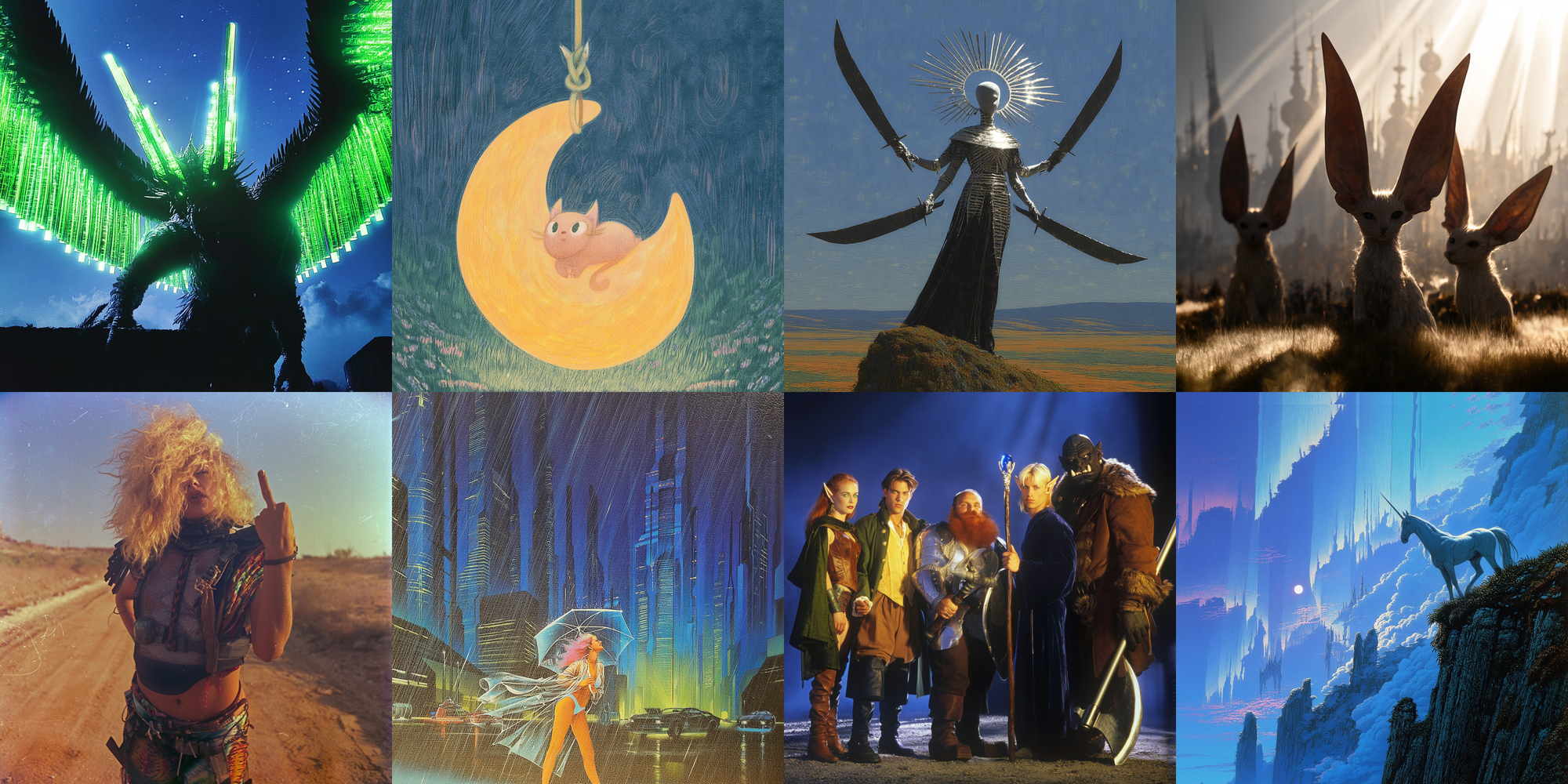
Not an Update. A Rebuild.
Every version from V4 to V7 ran on the same underlying infrastructure — iteratively patched, optimized, stretched to do things it was never originally designed for. V8 is different. It’s a new GPU-native codebase written from scratch, and Midjourney themselves are honest about the implications: “V8 may require totally new prompting styles.”
That’s not marketing speak. It’s a genuine warning. If you’ve spent months tuning your V7 workflow — your prompt formulas, your `–stylize` values, your vibe — expect to rebuild some of that. But what you get in return is substantial.
The Numbers
- ~5x faster generation — what took 30–60 seconds in V7 now lands in under 10 seconds
- Native 2K resolution — `–hd` flag outputs at 2048×2048 natively, no upscaling step
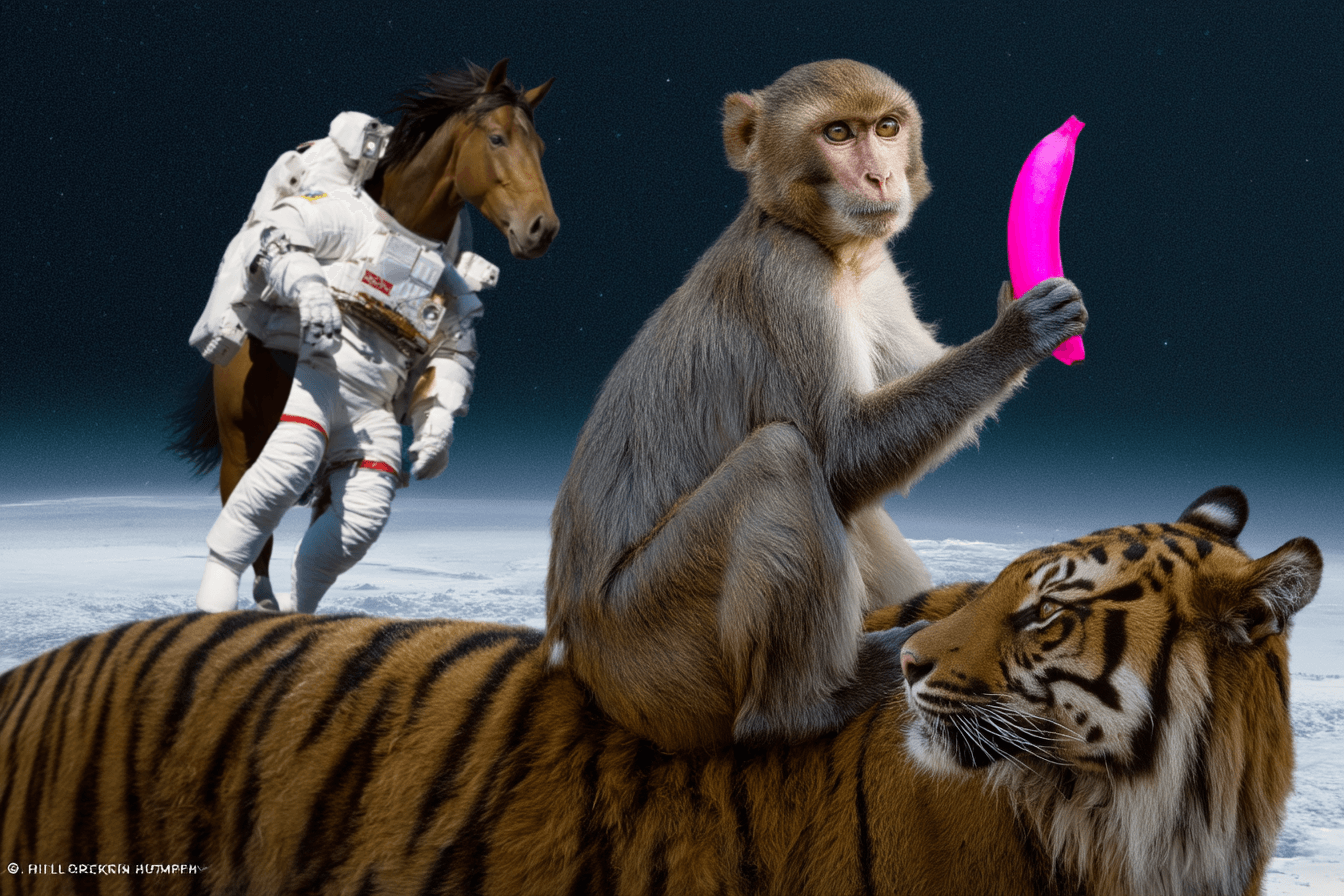
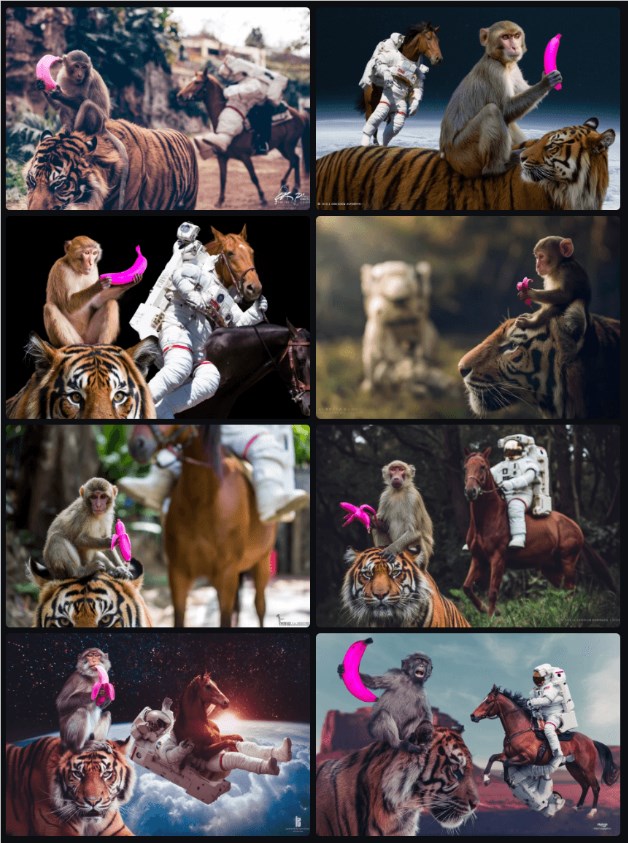
- Significantly better prompt fidelity — complex spatial arrangements, multiple objects with specific positions, material properties — these now land reliably
- Improved text rendering — wrap text in quotes in your prompt (e.g.
a neon sign reading "OPEN 24/7") and V8 handles it far better than any previous version - Human anatomy improvements — hands, faces, proportions are noticeably more accurate across the board
The trade-off: V8 is a pure diffusion model. Against hybrid architectures like OpenAI’s GPT Image or Google’s latest, it’ll lose on highly abstract, logically complex prompts. But for aesthetics, speed, and style consistency? It’s the best Midjourney has ever been.
Why You Should Care
Let’s be specific about who this changes things for:
Architects and Visualization Artists
V8’s spatial accuracy improvement is a genuine workflow shift. If you’ve been using Midjourney for massing studies, material explorations, or early-stage concept renders, the jump in prompt fidelity means less iteration to get a composition that reflects what you actually sketched. Specific materials (brushed aluminum, raw concrete, translucent glass), lighting angles, and multi-element spatial arrangements now execute closer to intent on the first try. Combined with native 2K output, you’re now getting presentation-quality images directly.
Concept Artists and Character Designers
The anatomy improvements matter here. V7 hand problems are largely fixed in V8. The `–cref` (character reference) and `–sref` (style reference) systems carry over from V7, but they’re more consistent now — your character maintains proportions and details better across varied prompts. The new Style Creator tool is also genuinely useful: you can now build, save, and reuse visual styles from reference images directly in the alpha UI, without juggling a bank of `–sref` codes.
Commercial and Product Work
V8’s photographic defaults (neutral-to-cool color temperature, literal lighting) make it the right choice for product photography-style work where V7’s warm painterly aesthetic was always a struggle to fight against. If you were doing workarounds to de-style V7 outputs, you can probably drop most of those with V8.
Try It — How to Access V8 Alpha
- Go to alpha.midjourney.com — any active subscriber can access it
- V8 is the default model on the alpha site (Discord and main site still on V7)
- V8 creations do not appear on the public gallery — useful if you’re working on confidential projects
Key Parameters to Know
| Parameter | What It Does | Note |
|---|---|---|
--hd |
Native 2K output (2048×2048) | 4x cost, currently slower — but native quality, no upscale artifacts |
--q 4 |
Enhanced coherence for complex multi-element scenes | 4x cost, 4x slower — use for hero renders, not explorations |
--stylize 1000 |
Maximizes Midjourney’s aesthetic interpretation | Pairs well with a trained personalization profile |
--p |
Personalization profile | Carry over your V7 profile; unlock V8 personalization at ~200 ratings |
| Text in quotes | Improved text rendering | a storefront sign reading "BAKERY" — wrap in double quotes |
Prompting Shift: Be More Specific
V7 rewarded short, mood-driven prompts — the model filled the gaps creatively. V8 is more literal. It rewards long, specific, detailed descriptions. If your V7 prompts were 5–10 words, try 30–50 words in V8. Describe materials, light sources, camera position, specific objects. The model will follow you.
IK3D Lab Take
V8 is the most significant Midjourney release since V5 introduced photorealism. The codebase rebuild is real, the speed improvement is real, and the prompt fidelity improvement is real. For creative technologists using Midjourney as a daily ideation and visualization tool — architects, concept artists, product designers — V8 is worth spending a week with to rebuild your workflow around.
The honest caveats: if you relied on V7’s painterly aesthetic and you’re not doing photorealistic work, V8’s default style may feel sterile at first. And the 4x cost on `–hd` and `–q 4` stings — though Midjourney has confirmed cheaper render modes are in development.
The architecture being pure diffusion means it’ll stay at a ceiling against hybrid models for complex logical prompts. But for what Midjourney’s core audience actually does — concept exploration, visualization, aesthetics-first creation — V8 is a significant step forward. It’s fast, it’s sharp, it follows instructions. Go play with it at alpha.midjourney.com.
Sources: Midjourney V8 Alpha Official Announcement | The Decoder — V8 Review | WaveSpeedAI — V8 Complete Guide | Blake Crosley — V8 Prompting Guide