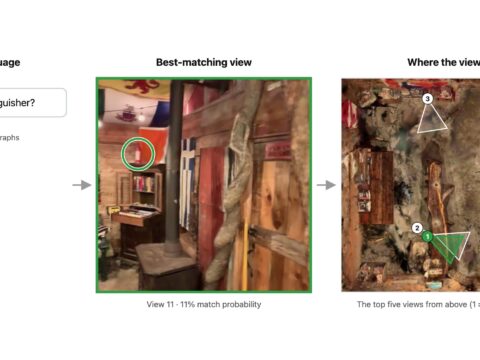
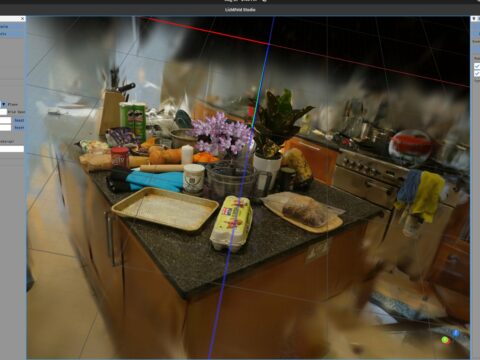
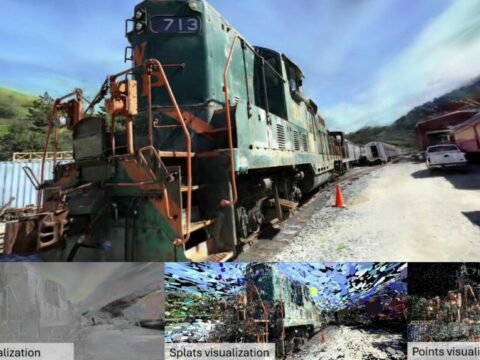
Point a phone at a room, hand the clip to Vauss, and you don’t just get a Gaussian splat. You get a browser viewer, a Blender set, a Unity collision mesh — and a first-person voxel game of that same room, with blocks you can smash. One video in, a whole world out. And an AI agent can run the entire thing for you.
The Story
On November 16, 2026, a team called Voyager released Vauss as a research preview. It’s a command-line Gaussian splat trainer built on top of Brush, Arthur Brussee’s portable splatting engine. Vauss is native Rust, running on Burn, CubeCL and wgpu. That means it trains through Vulkan, Metal or DX12 — no CUDA required. A GPU with 8 GB is enough to start.
The headline number is speed. Voyager measured 5.4× faster training than gsplat-MCMC across seven standard Mip-NeRF 360 scenes, at a one-million-splat cap and 30,000 steps on the same L40S machine. In their table, Vauss averaged about 127 seconds per scene against 679 for gsplat-MCMC. It also used roughly half the GPU memory, and scored better LPIPS and SSIM on all seven scenes. Voyager is honest about the limits: they say plainly this is “not a universal ranking or an equal quality speedup at arbitrary budgets.” Credit where due.
But speed isn’t the fun part. The vauss run command does everything in one pass — frame selection, camera solving, training, held-out evaluation, and export. And it exports to four places at once: a standalone browser viewer, a Blender pack, a portable .spz web scene, and a playable voxel game.

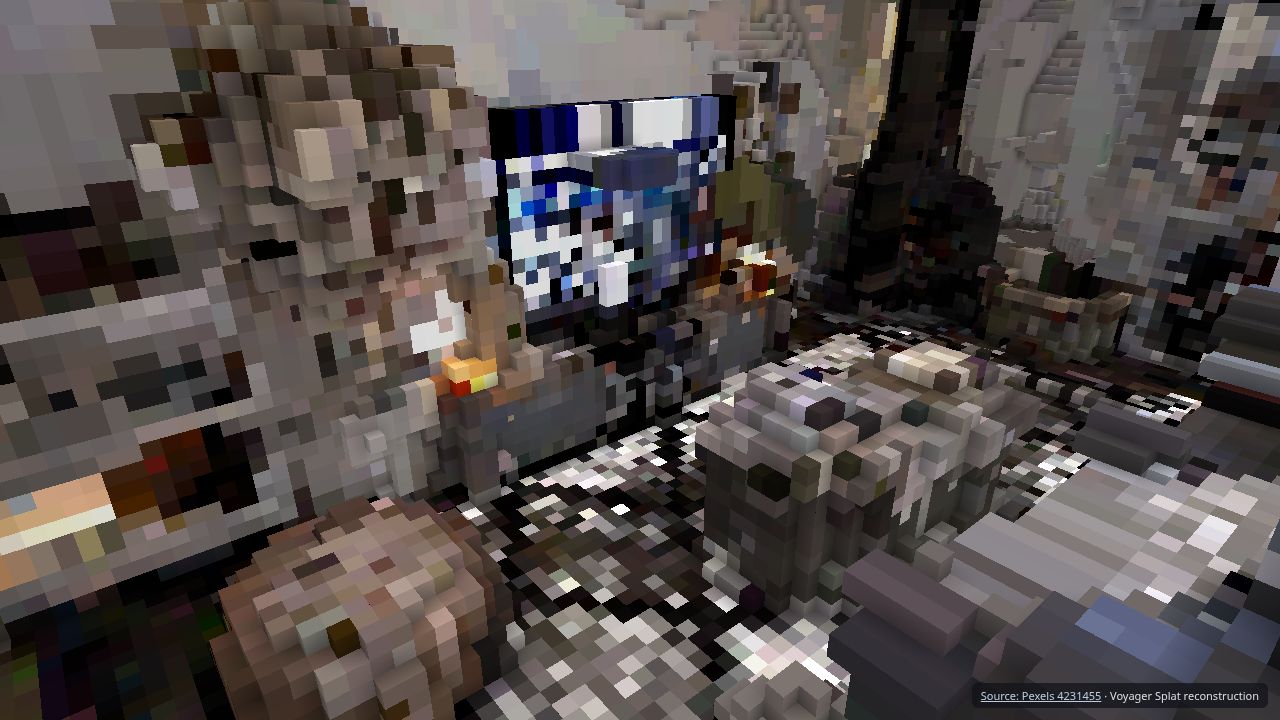
That voxel export is the detail that makes people grin. You open exports/game/index.html, walk around with WASD, jump with Space — and press V to flip the room from smooth splats into blocky, destructible voxels. Then you click to break them. It’s a real captured place turned into a sandbox level, straight from a video, with zero engine setup.
Why You Should Care
Two things stand out for a creative tech crowd.
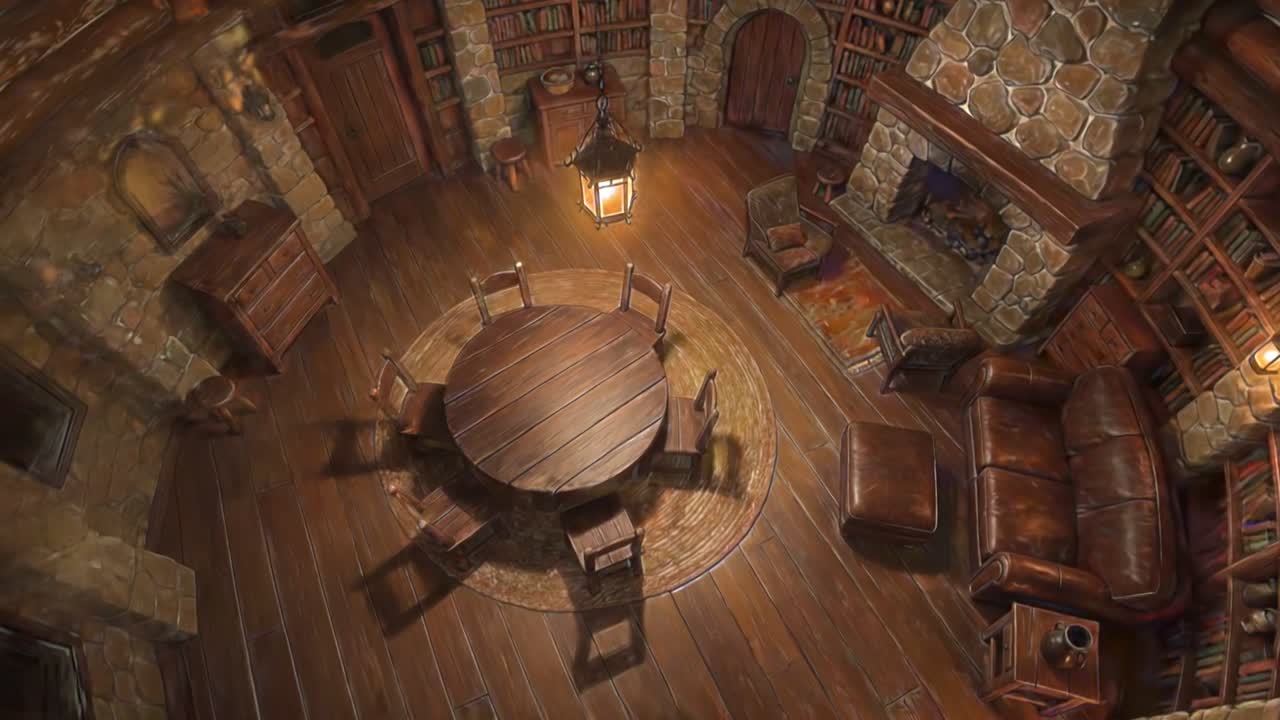
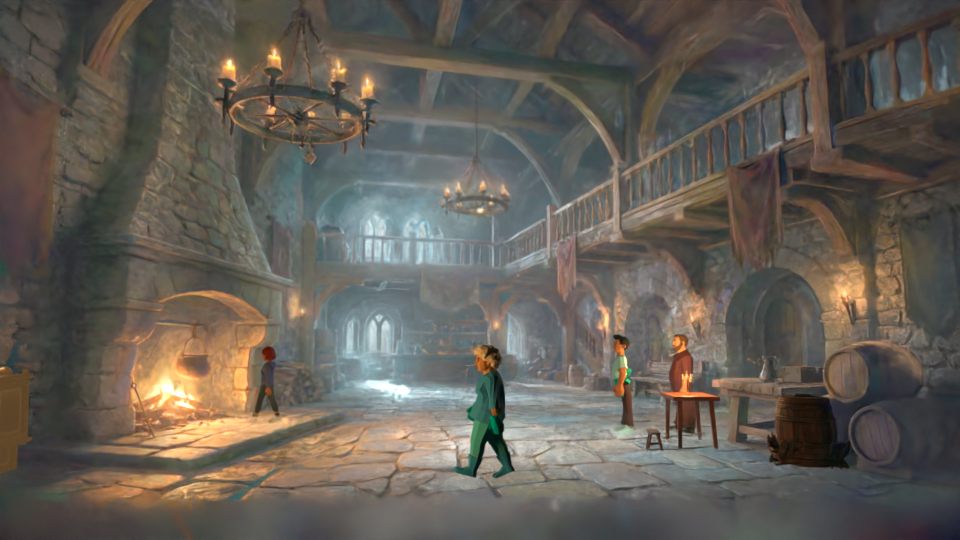
First, the AI-to-world loop. Vauss leans into what Voyager calls “Picture 2 World.” You generate an image, turn it into a coherent video with a model like Kling, reconstruct that video into a splat, then direct your own shots and relight it in Blender. The cabin above did exactly that. Voyager says one AI library scene went from image to finished Blender production in about 35 minutes. The splat is no longer the end product — it’s a stage you keep working on.
Second, it’s built for agents. This is the part the Lab has been waiting for. You can hand the pipeline to an agent: vauss run room.mp4 --goal "an explorable 3D scene" --driver claude (or --driver codex). The agent gets typed tools for capture, cameras, training, evaluation and geometry, and the tools return images so the agent can actually look at the reconstruction as it works. There’s also a stdio MCP server — vauss serve — so any MCP client can drive it. The CLI, the fixed pipeline and the MCP server all share one implementation. That’s the clean way to do it.
One honest caveat: Vauss is source-available, not open source. It ships under the Vauss Preview License. Use is free during the preview, including commercial work and private tweaks, but redistributing a modified build or offering Vauss as a hosted service needs written permission — and later versions may move to paid terms. The Brush-derived training crates stay Apache 2.0. So it’s not quite the “free forever” deal that word often implies. Worth knowing before you build a product on it.
Try It / Follow Them
- Repo: github.com/voyager-so/vauss — install script for Linux x64 and macOS arm64, Windows archive in Releases.
- First run:
vauss doctorto check your GPU, thenvauss run clip.mp4 --run-dir runs/room. Outputs land underruns/room/exports/. - Into Blender 5.3:
vauss export-webgives you ascene.spz, then File → Import → SPZ. - Cloud: Voyager Cloud ships Vauss and Blender 5.3 preinstalled side by side.
IK3D Lab Take
We did not run Vauss on our own footage for this piece — everything here is read from Voyager’s repository and benchmark notes, not from a Lab test. So treat the 5.4× and the voxel demo as their reported results until we put a phone clip through it ourselves (next on the bench).
That said, the design choices are the right ones. A no-CUDA Rust trainer that runs on 8 GB, exports to Blender and Unity, and exposes the same pipeline through an MCP server is exactly the shape of tool this Lab keeps arguing for. The voxel-game export will get all the screenshots, but the quiet win is the agent interface: a 3D reconstruction pipeline that Claude Code can call like any other tool, with images coming back so it can judge its own work. That’s where splat tooling is heading.
Who’s it for? Makers and small game/VFX teams who want captured or AI-generated places fast, and anyone wiring splats into an agent workflow. What does it replace? Your slow gsplat-MCMC training runs, if the quality holds on your scenes. Where will it break? The preview license is a real constraint for commercial products, and the Apple-silicon path is still a smoke test, not a daily driver. Promising, and we’ll report back once it’s been through our own GPU.
How this article was made: researched and drafted with AI assistance, then fact-checked against the original sources and reviewed by Issa before publication.